10
Light indicators
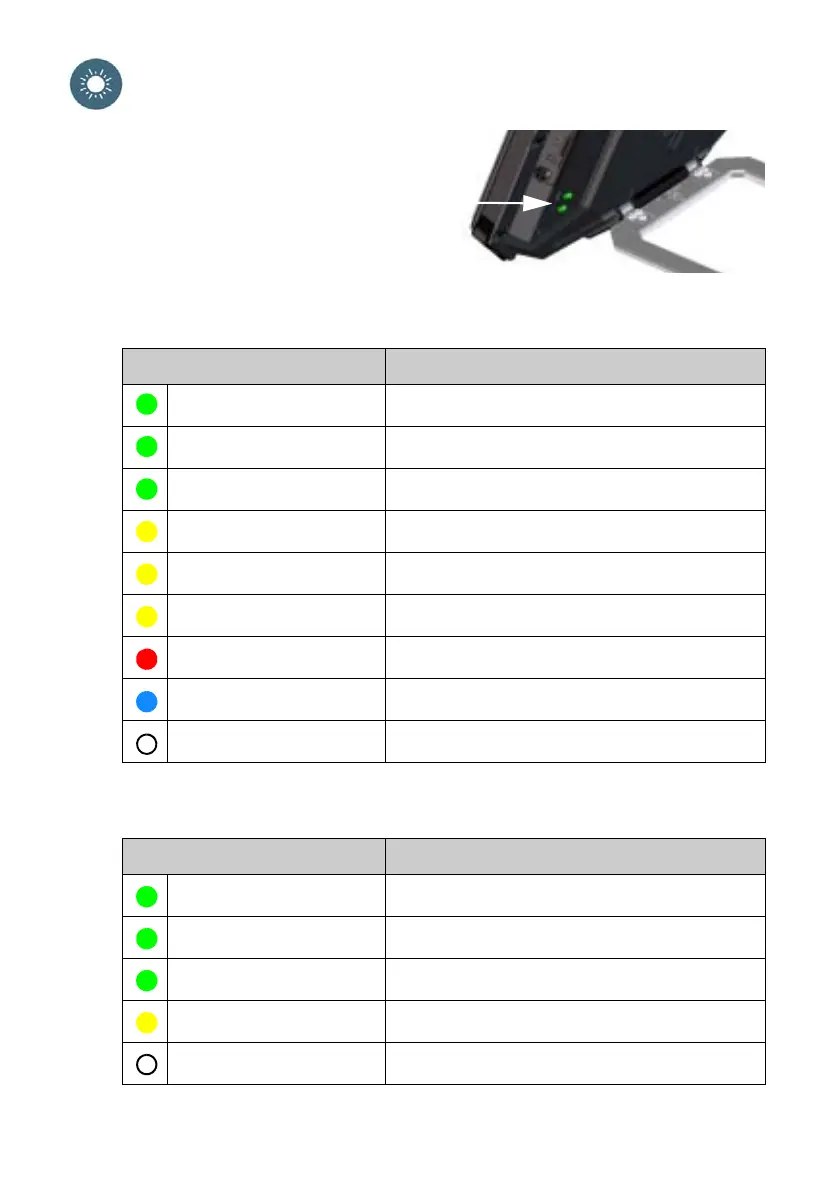
The EXPLORER 510 has two LEDs placed on
the side of the terminal, one marked Status
and one marked WLAN. The tables below
explain the meaning of each light pattern.
Status LED
WLAN LED
Indicator pattern Meaning
Green flashing rapidly Starting up
Green flashing slowly Power on (ready)
Green constant Power on with DC input
Yellow flashing slowly Battery charging
Yellow flashing rapidly Closing down
Yellow constant Warning. See the web interface.
Red constant Error. See the web interface.
Blue flashing Uploading software to the EXPLORER 510
Off Power off
Indicator pattern Meaning
Green flashing Rx/Tx traffic
Green flashing slowly In use - has WLAN registration(s)
Green constant Ready - customized configuration
Yellow constant Ready - factory default configuration
Off Not active – power off / starting up / closing down



 To Next Page