1111
7
Connect to the Internet
By default, you must manually start data connections from the EXPLORER Connect app or
the web interface.
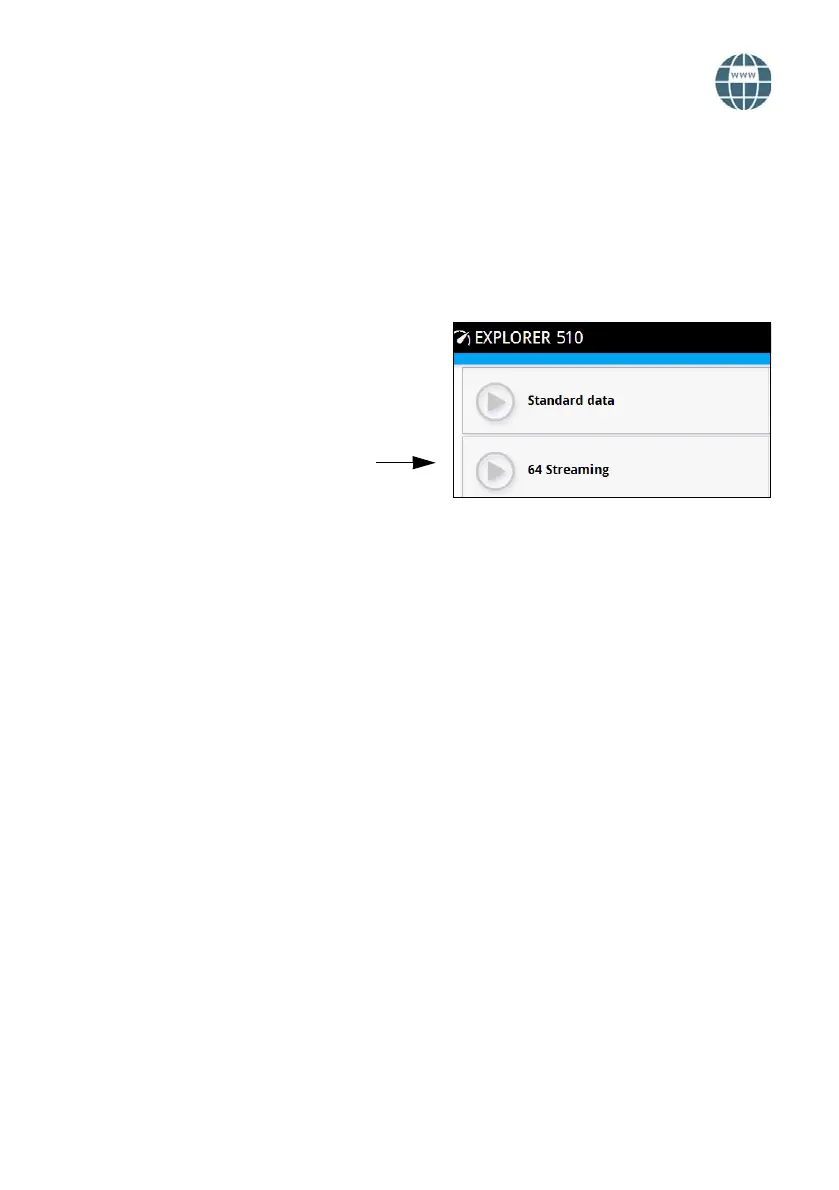
With a Standard data connection you can browse the Internet, send e-mail etc. With a
Streaming connection you get an exclusive, high-priority connection for time critical
applications such as live video over IP.
Start a data connection
To start a data connection do as follows:
1. From the EXPLORER Connect app select
Terminal Access (or start the web
interface).
2. Locate the connection you want to start.
3. Click to start the connection.
NOTE: Once a Streaming connection is
started, the connection will run until you
stop it. You will be charged for the time
you are connected.
4. Click to stop the connection.
NOTE: Under Terminal Access or in the
web interface you can configure your
selectable data connections and whether or
not you want automatic activation of your
data connection.



 To Next Page