1111
1
Getting started 1
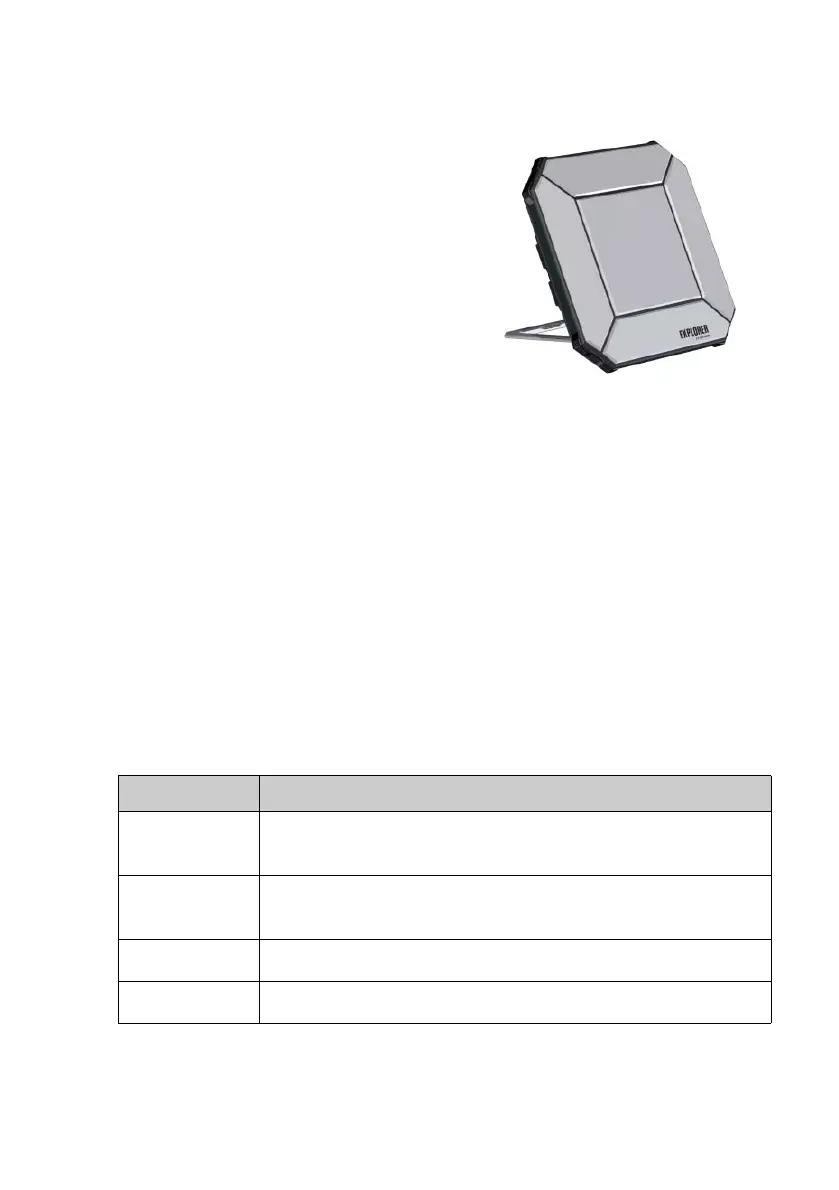
EXPLORER 510 is the smallest EXPLORER
BGAN terminal ever and is the perfect choice
when you are working off the beaten track
and you are depending on a reliable
connection.
The EXPLORER 510 meets the need for
mobile access to office resources, providing
simultaneous high quality voice and
broadband access at speeds up to 464
kbps.
WLAN is the primary interface for
connecting your user equipment.
Before you start, check that the following
items are present:
• EXPLORER 510 (TT-3711A)
• AC/DC adapter
•Softbag
• Getting started (this guide)
Install the EXPLORER Connect app (smartphone users)
If you want to use your smartphone with the
EXPLORER 510, install the EXPLORER
Connect app, which is available for iOS at
the Apple Store and for Android phones at
Google Play.
The EXPLORER Connect app provides:
• A built-in SIP client, enabling you to make
calls through the EXPLORER 510
• Access to all settings of the EXPLORER 510
When you start the EXPLORER Connect app, you get the following options:
Tile Function
Satellite Phone Use your phone as a satellite phone when connected to the
EXPLORER 510
Terminal Access Start and stop your data connections and
access all settings of the EXPLORER 510
Pointing Activate the pointing process towards the BGAN satellite
Dashboard Status information



 To Next Page