12
Provide power
Battery
The EXPLORER 510 has an internal battery, which is recharged when external DC power is
connected to the DC input.
Note: The charging temperature range in Japan is 10 to 45°C due to legal requirements. The
charging temperature in all other countries is 0 to 45°C.
External power
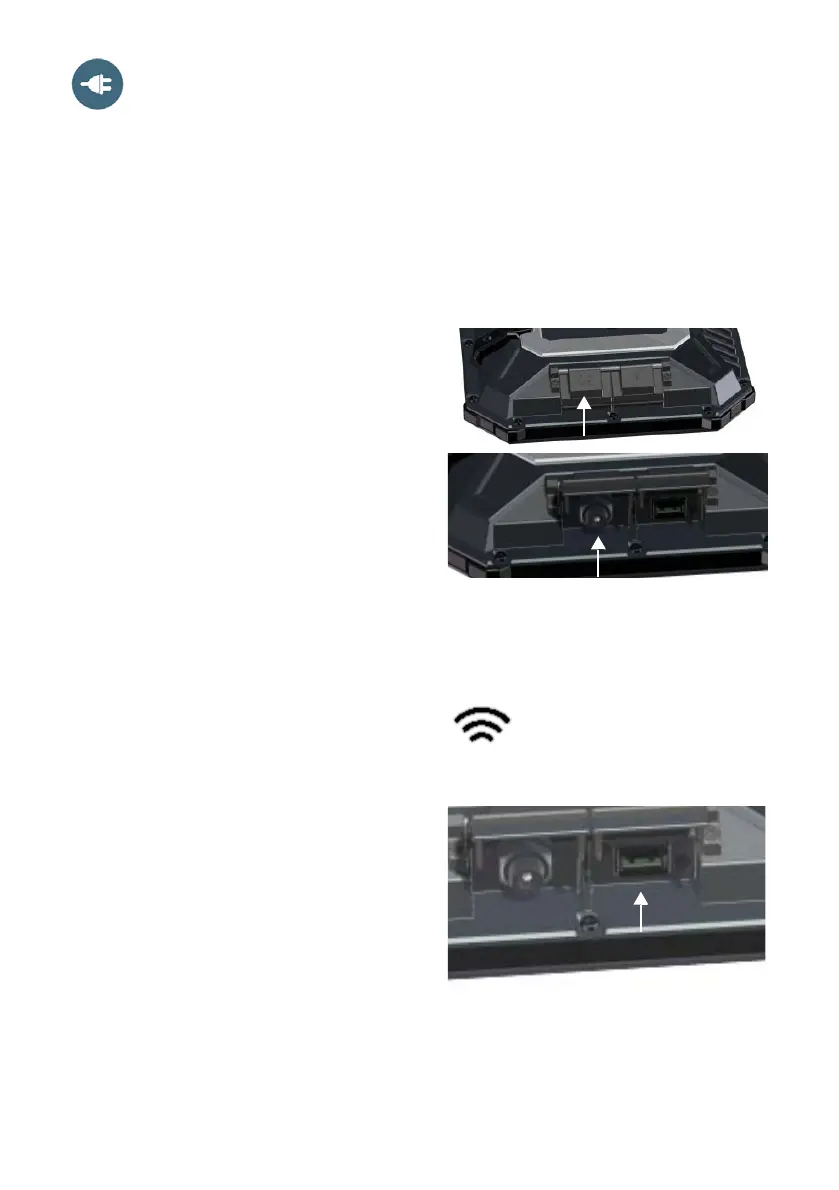
To power the EXPLORER 510 or to charge
the battery, lift the cover for the DC In
connector and connect one of the following
external power sources to the DC input:
• 10-32 VDC
• The supplied AC/DC adapter connected to
100-240 V Mains.
• A solar panel (min. 65 W, 10-32 VDC)
Connect user equipment
WLAN: The EXPLORER 510 is designed to
connect to user equipment primarily through
WLAN (see Connect to WLAN on page 3).
USB: Use the USB interface in the
EXPLORER 510 to:
• Connect an EXPLORER Cellular Modem as
an alternative to the BGAN satellite
network.
• Upload software from a USB memory
stick.
• Charge your smartphone (power class
0.5 A and 1.0 A)



 To Next Page