Chapter 2: Operation
To get started 13
22222
Operation
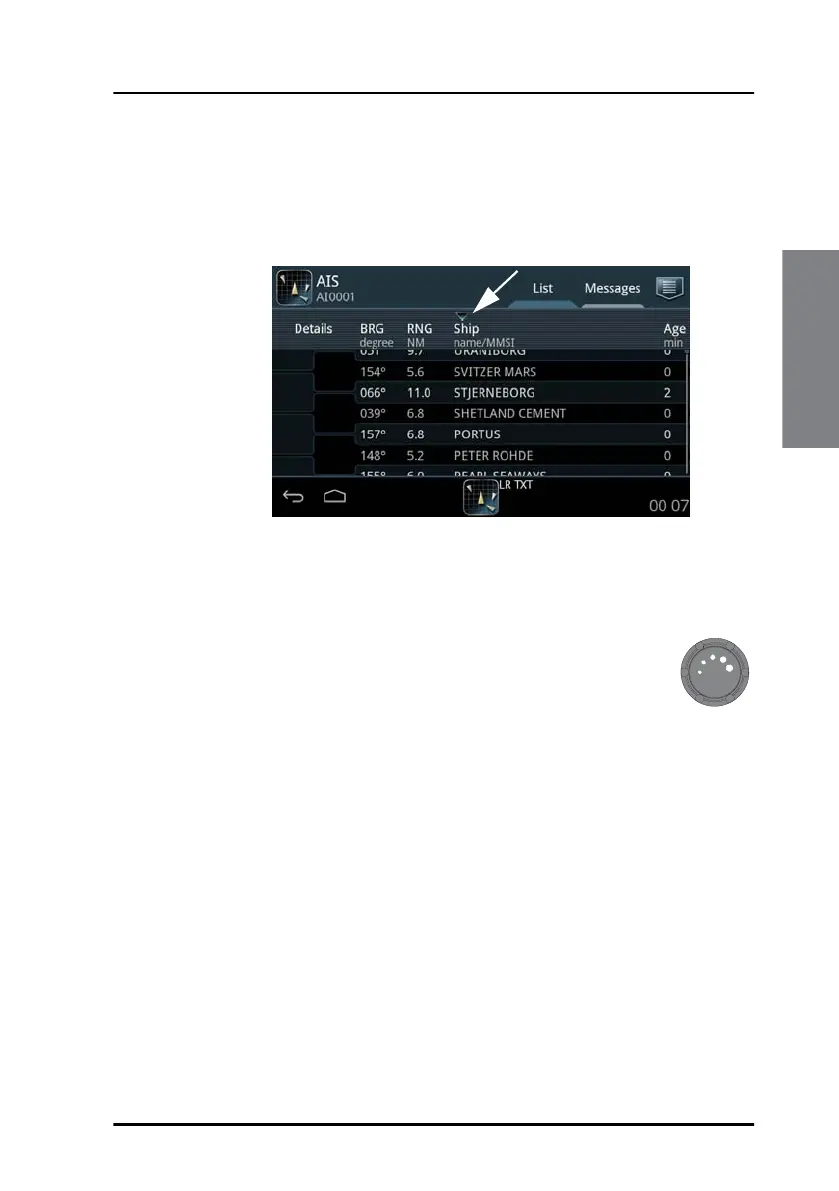
Sorting the list of ships
You can sort the list of ships by selecting the heading of the column you
want to sort by. Select it again to toggle between ascending and
descending order.
Dim and night mode
Turn the dim knob of the SAILOR 6004 Control Panel to
increase or decrease the display brightness. The display goes
into night mode either when turning the dim knob on the front
panel counterclockwise or when the internal light sensor
detects the light level for changing to night mode.
To dim to level zero push the power button once. If an alarm appears while
the display is in level zero, the display returns to the latest dim value and the
alarm is displayed.
Figure 10: Sorting the list of ships (example)



 To Next Page