Chapter 2: Operation
12 To get started
• Icons for apps that are operated from this SAILOR 6004 Control
Panel, including status information.
• Icon for unread messages, if any.
Unread safety messages are shown with icon for unread messages
and flashing yellowish orange circle with speaker symbol.
• Icon for alarms present: from any unit controlled by this SAILOR
6004 Control Panel:
– Flashing bright red triangle: Unacknowledged alarm(s).
– Faded red triangle: Acknowledged alarm(s).
See Alerts and notifications on page 38
• UTC time, received from GPS receiver.
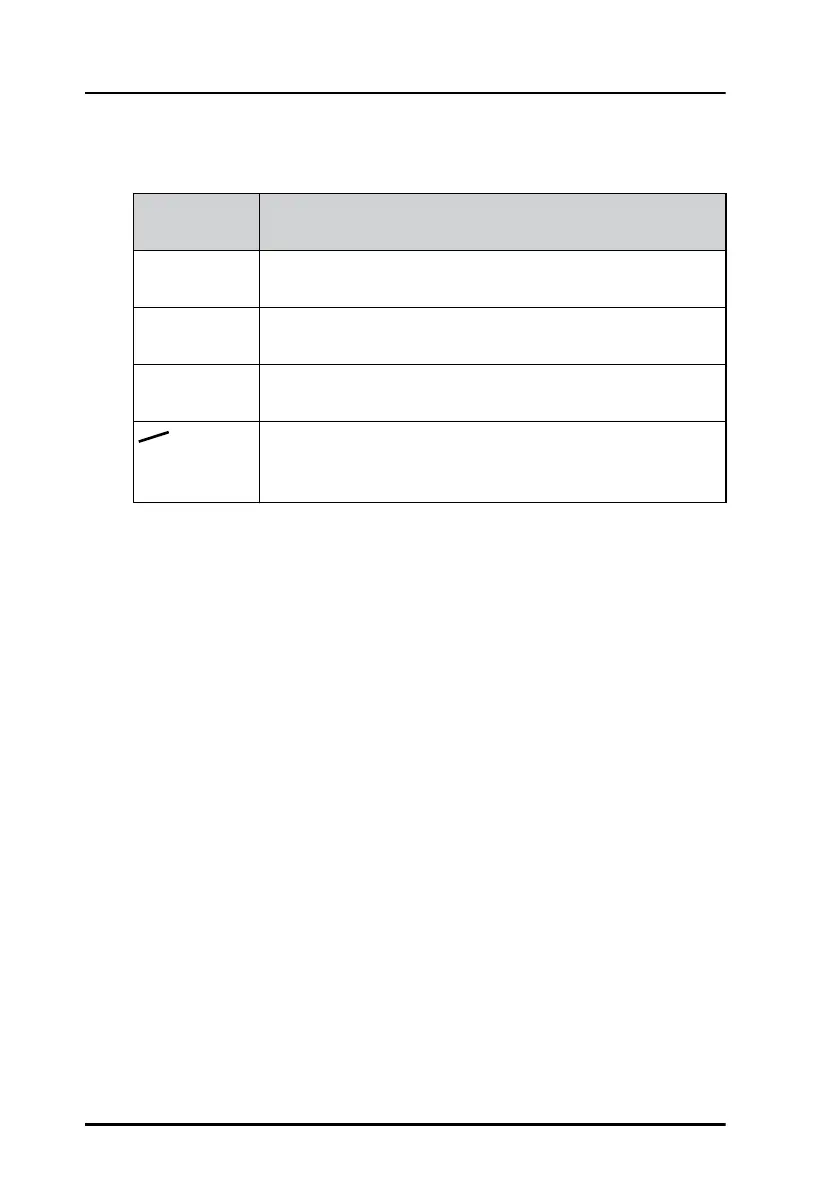
Letters next
to AIS icon
Status information
LR There are unread Long Range messages. For more
information see page 25.
TXT The Status information has changed. For more
information see page 20.
LO The AIS unit is in low-power mode (Low power forced
control (gas alarm)).
TX Red icon. The AIS unit is in Silent Mode and the
transmitter is disabled. For more information see
page 30.
Table 1: Letters next to the AIS icon in the bottom bar



 To Next Page