Chapter 2: Operation
20 Settings
Status (read only)
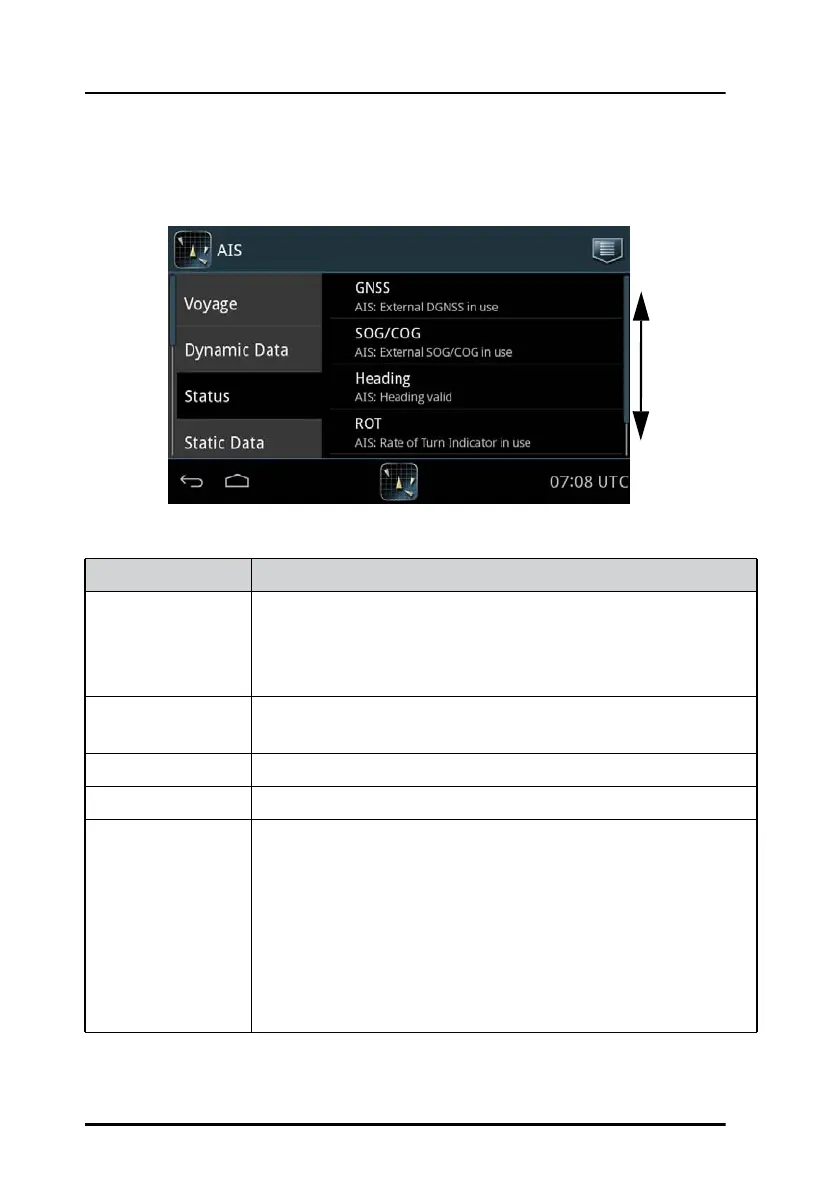
The items on this page show the current status of a couple of parameters.
Figure 16: Settings – Status
Swipe
up or
down
Item Description
GNSS Type of position input:
AIS: External GNSS in use
AIS: Internal GNSS in use
AIS: External DGNSS in use
SOG/COG AIS: External SOG/COG in use
AIS: Internal SOG/COG in use
Heading Current Heading input
ROT Current Rate Of Turn
Channel
Management
If the AIS Transponder enters a received regional area, TXT is
shown next to the AIS icon in the bottom bar. You can then
tap the menu icon > Settings> Status and see the Channel
Management change.
For viewing the regional area in use tap Channel
Management. Once you have viewed this information, this
field is cleared and the TXT is removed from the AIS icon in
the bottom bar.
Table 4: Items in Status



 To Next Page