Chapter 2: Operation
16 Settings
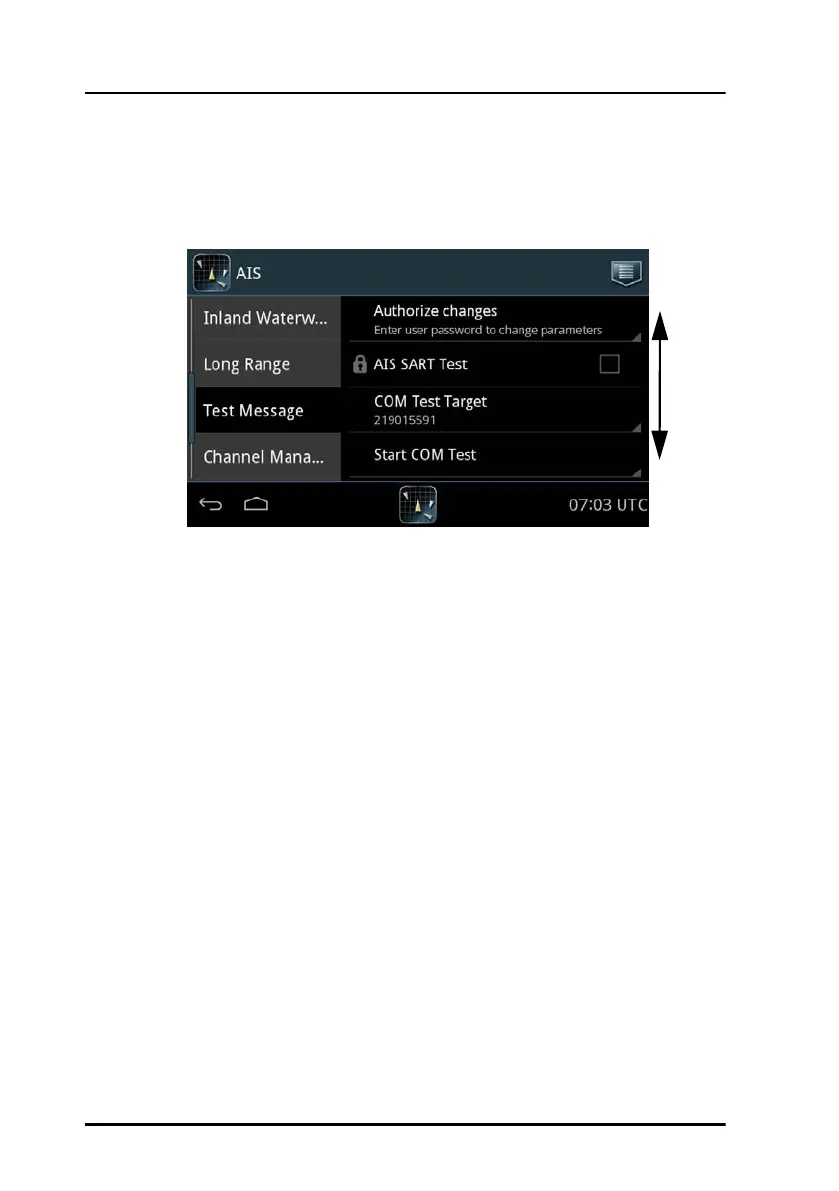
Password protection
A number of settings is password protected against unauthorised or
accidental use. They are marked with a padlock.
To unlock a page with password protected parameters do as follows:
1. Tap the first line on the page: Authorize changes.
2. Enter the user level password (default: user). If the password user does
not work, contact your installation center. The user password might
have been changed.
3. Tap Done.
4. Tap Apply.
5. The padlocks are opened and you can change a parameter.
When leaving the page, the parameters are locked again.
Figure 13: Password protection – example
Swipe
up or
down



 To Next Page