Chapter 2: Operation
Settings 17
22222
Operation
Voyage
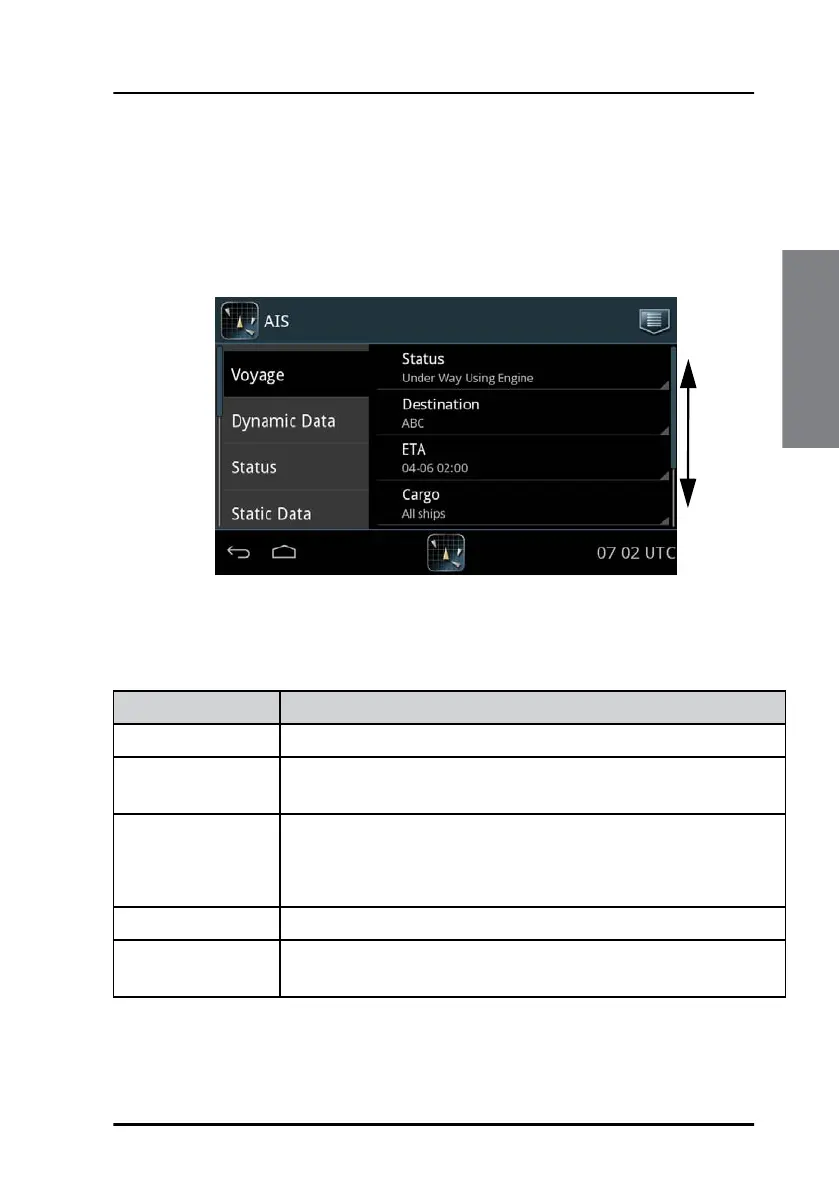
Here you select or enter the various items for the ship’s current voyage.
Swipe upwards to display further items. Some of the parameters are only
visible if Inland Waterways has been enabled. These parameters may have
been set up during installation.
Tap the parameter you want to change and follow the instructions in the
display.
Figure 14: Settings – Voyage
Swipe
up or
down
Item Description
Status Tap the field Status and set one option.
Destination Tap the field Destination and enter the destination using the
keyboard on the screen. Tap OK to accept.
ETA Tap the field ETA to enter the estimated time of arrival.
Format: mm-dd hh:mm. Tap Done.
If ETA is not known, enter xx.
Cargo Tap the field Cargo and set one option.
Draught
a
Tap the field Draught and select the draught of ship xx.x m
(0–20).(0–9). Tap Done.
Table 2: Items in Voyage



 To Next Page