Chapter 3: Service & maintenance
54 Maintenance
To change a setting you must enter the password for user level and tap OK.
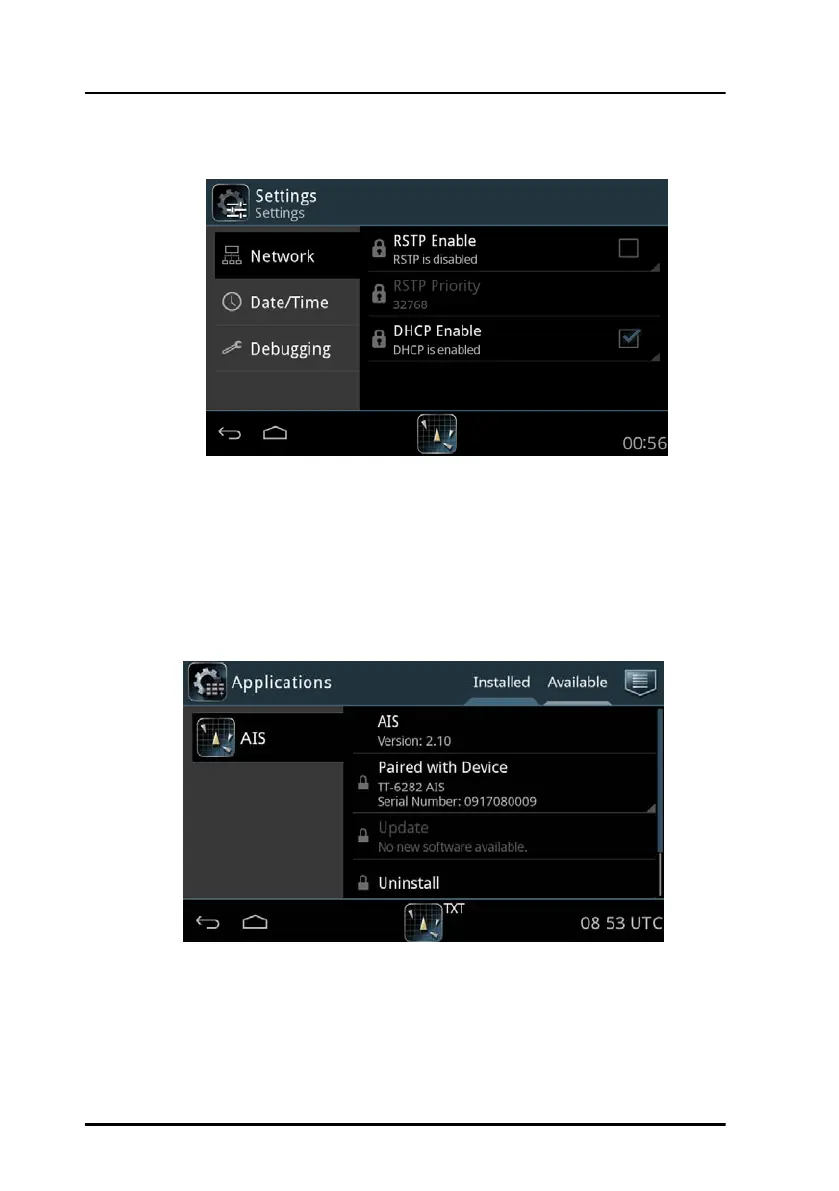
Applications
Tap Applications to install or uninstall applications. This section has two
tabs: Available, showing the apps that are available to the SAILOR 6004
Control Panel on the current network, and Installed, showing which apps
are already installed.
Figure 39: System - Settings, Display
Figure 40: System – Applications (example)



 To Next Page