Chapter 3: Service & maintenance
Maintenance 53
33333
Service & maintenance
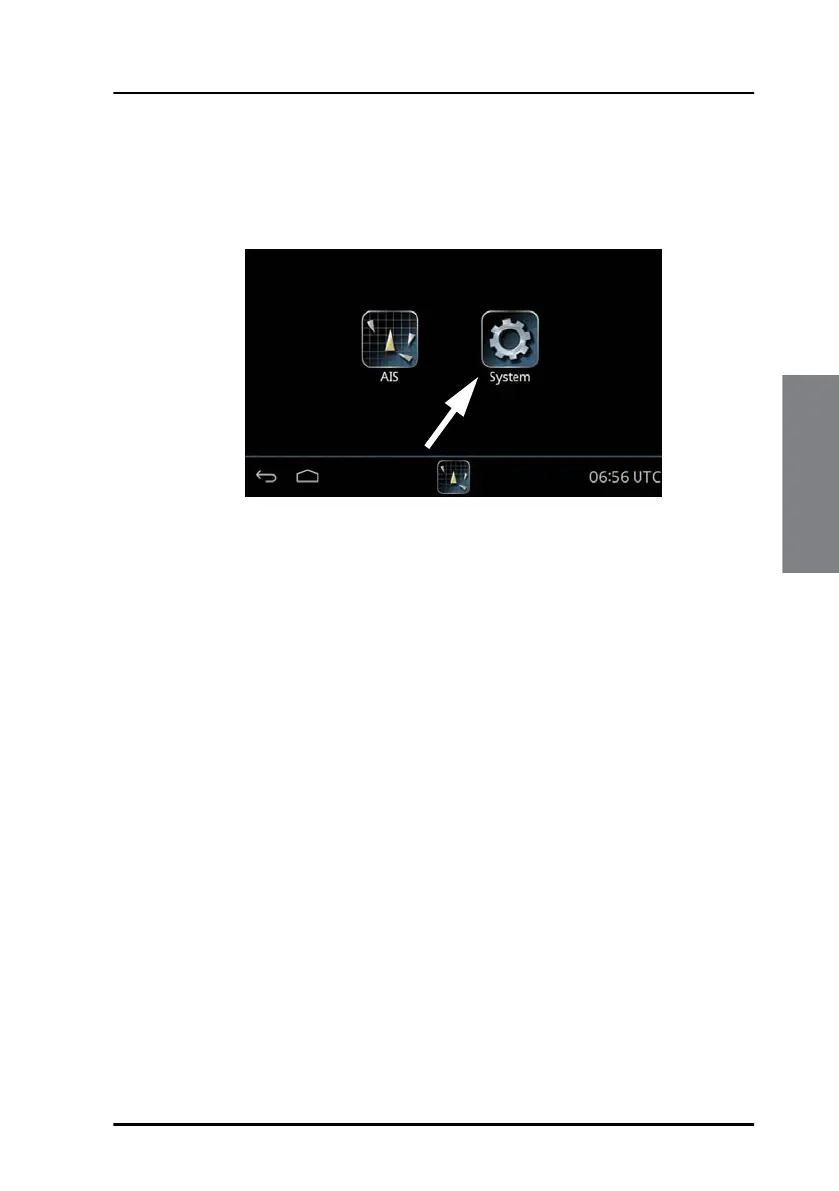
Having switched on the SAILOR 6004 Control Panel, an icon named
System is always displayed, plus the icon(s) of the applications that are
installed. Under System you can set up and manage the SAILOR 6004
Control Panel.
Tap the icon System and the following topics are available:
• Settings
containing Network, Date/Time and Debugging.
• Applications
containing installed and available applications.
• Self Test
containing a self test of Touch, Controls Display, Audio, USB, Light
Sensor, Alarm Output, NMEA and LAN.
• About
containing Legal information, software versions and network
information (IP address and MAC address of the SAILOR 6004 Control
panel).
Settings
Tap Settings to enter the section for network configuration, date and time
setting and debugging. Tap the section you want to work with and explore
the touch screen for each setting.
Figure 38: Screen to enter System (example)



 To Next Page