INSTALLATION continued
POWER
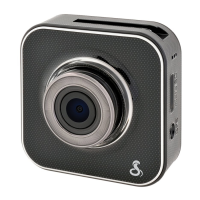
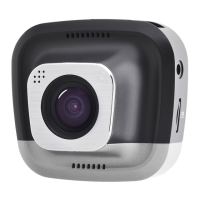
The CDR 895 D utilizes a Y-Splitter to offer maximum flexibility
and clean installation without dangling wires.
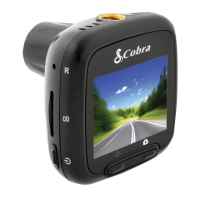
• Plug the Y-Splitter into the Micro USB Port on CAM 1.
• Connect the Micro USB end of the power cord into
the Y-Splitter. Connect the USB end of the power cord in the
Cigarette Lighter Adapter and then plug into your vehicle.
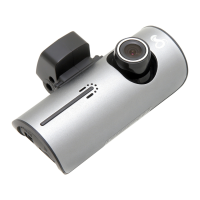
• Plug CAM 2 into the Y-Splitter. Use the Extender Cable
if necessary.
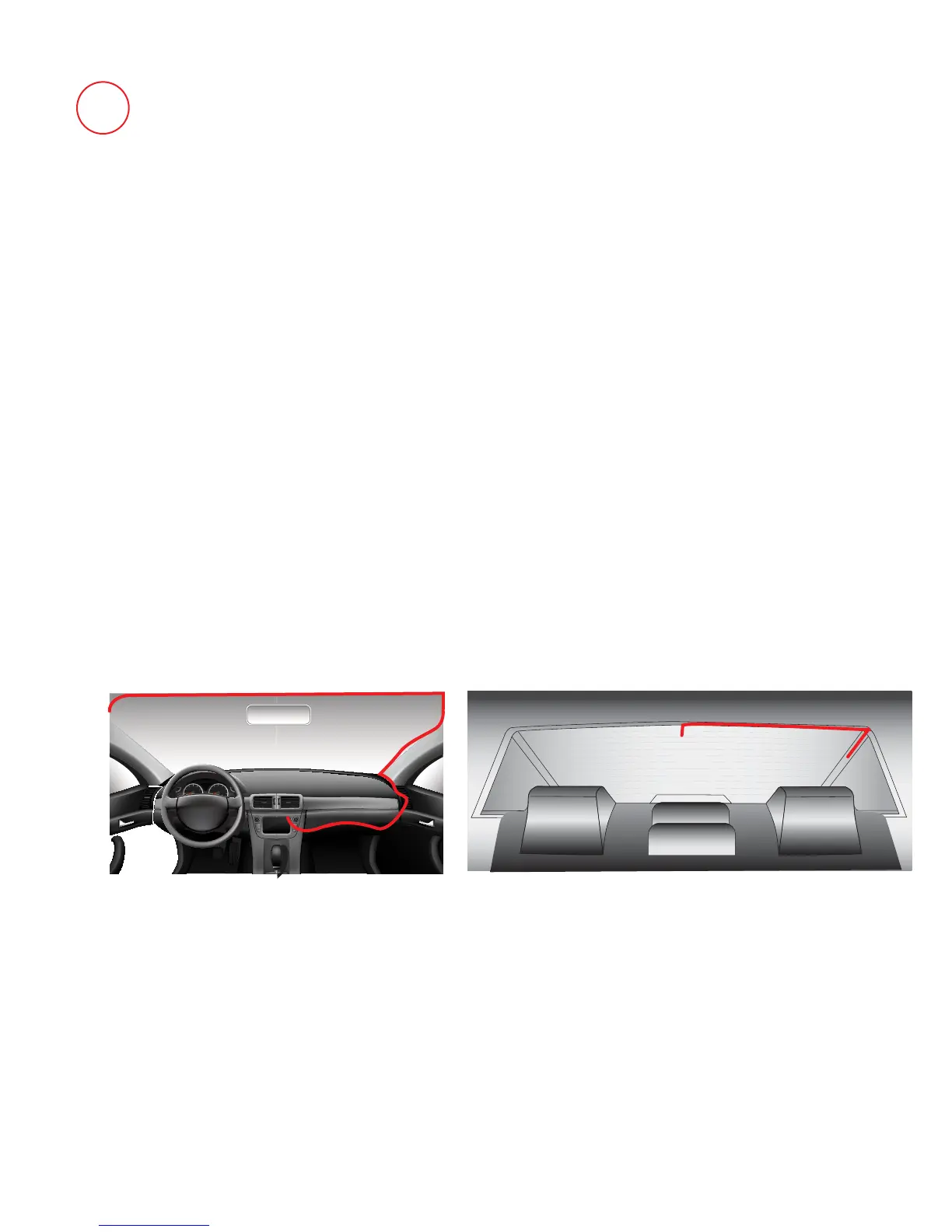
• Organize and tuck away cables to make sure that the driver’s
view is not obstructed. In most vehicles it’s possible to tuck
Y-Splitter and cables into the headliner and cleanly hide the
extender cable along the top wall all the way to the rear of the
vehicle. Professional installation is recommended.
2
If CAM 2 videos appear upside-down enter the Video Settings
Menu and turn Flip Cam 2 to ON.
If you have mounted CAM 2 facing forward enter the Video
Settings Menu and turn Mirror CAM 2 to OFF.
Note: The long (10ft) USB->Micro USB cord is for power only.
Use the short (18in) USB->Micro USB cord to connect to
a computer.
Windshield
Back Window


 To Next Page