COMPUTER CONNECTION
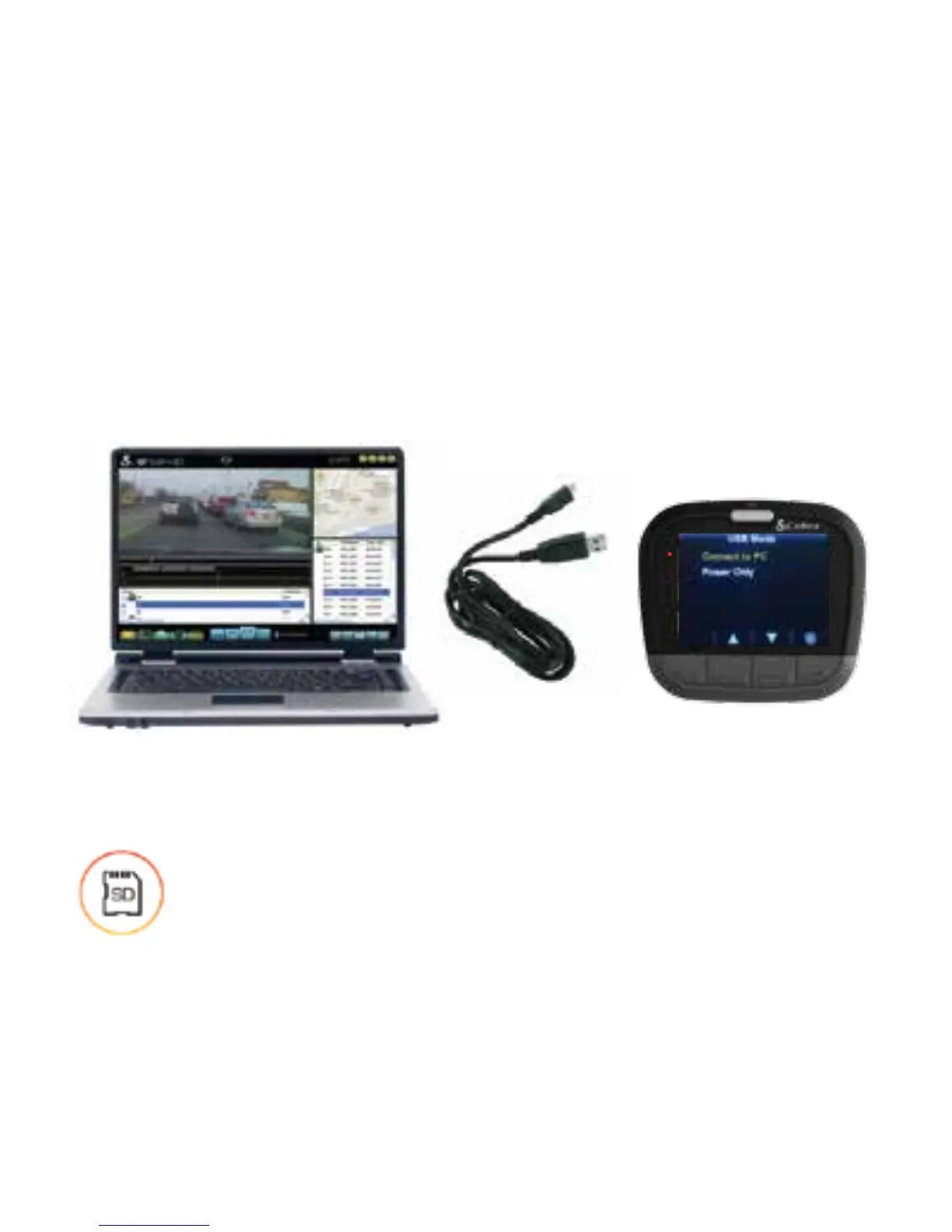
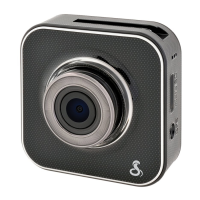
To view videos on a computer connect to CAM 1 using the
short Micro USB->USB Cable.
Select Connect to Computer on the dash cam. It will mount
as a drive on the computer called DriveHD.
Movie clips and photos can be found in the DCIM folder.
Video clips are saved as .MOV files and can be played by
most video players on both PC and Mac.
STORAGE
A 16GB MicroSD Card comes installed in this dash
cam, but it can support cards up to 64GB. The MicroSD
card speed must be rated Class 10 or higher.
Discover other cameras and driver safety on our website.


 To Previous Page