Page 6 Getting To Know The Internet Tablet
English
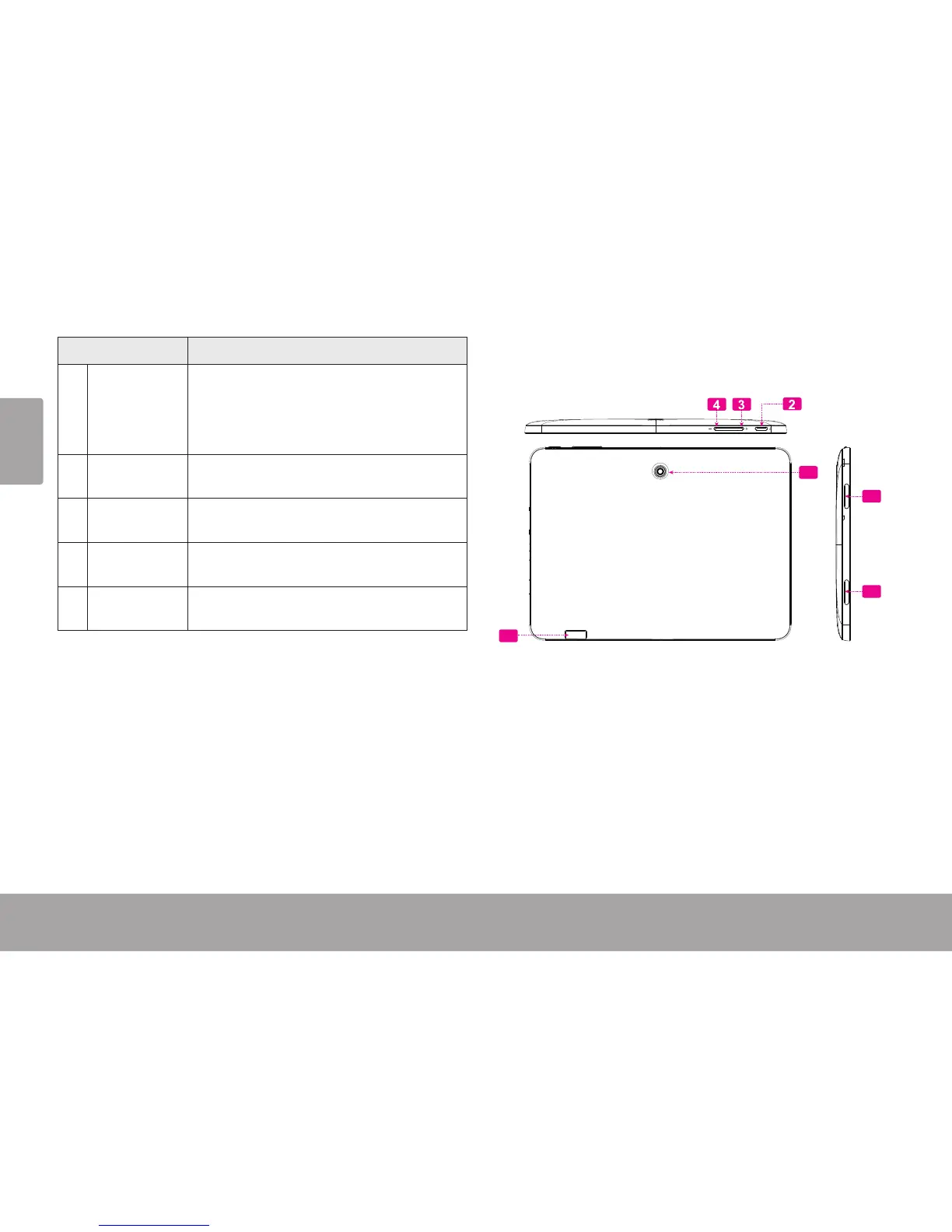
Name Description
2 Power key Press to turn the unit on, or to turn the
screen on and o.
Press and hold to access the Power O
menu.
3 Volume +
key
Press to increase the volume level.
4 Volume –
key
Press to decrease the volume level.
5 microSDHC
card slot
Load external microSDHC memory
cards here.
6 Speaker Speaker output is automatically muted
when using headphone Jack.
12
5
6
6














 To Next Page