Sequential Play
1
Download MP3 file(s) to the unit
2
Unplug the cable from the unit
3
Connect the headphone to the [ ] jack
4
Press [4 ] button to turn on the unit on
A
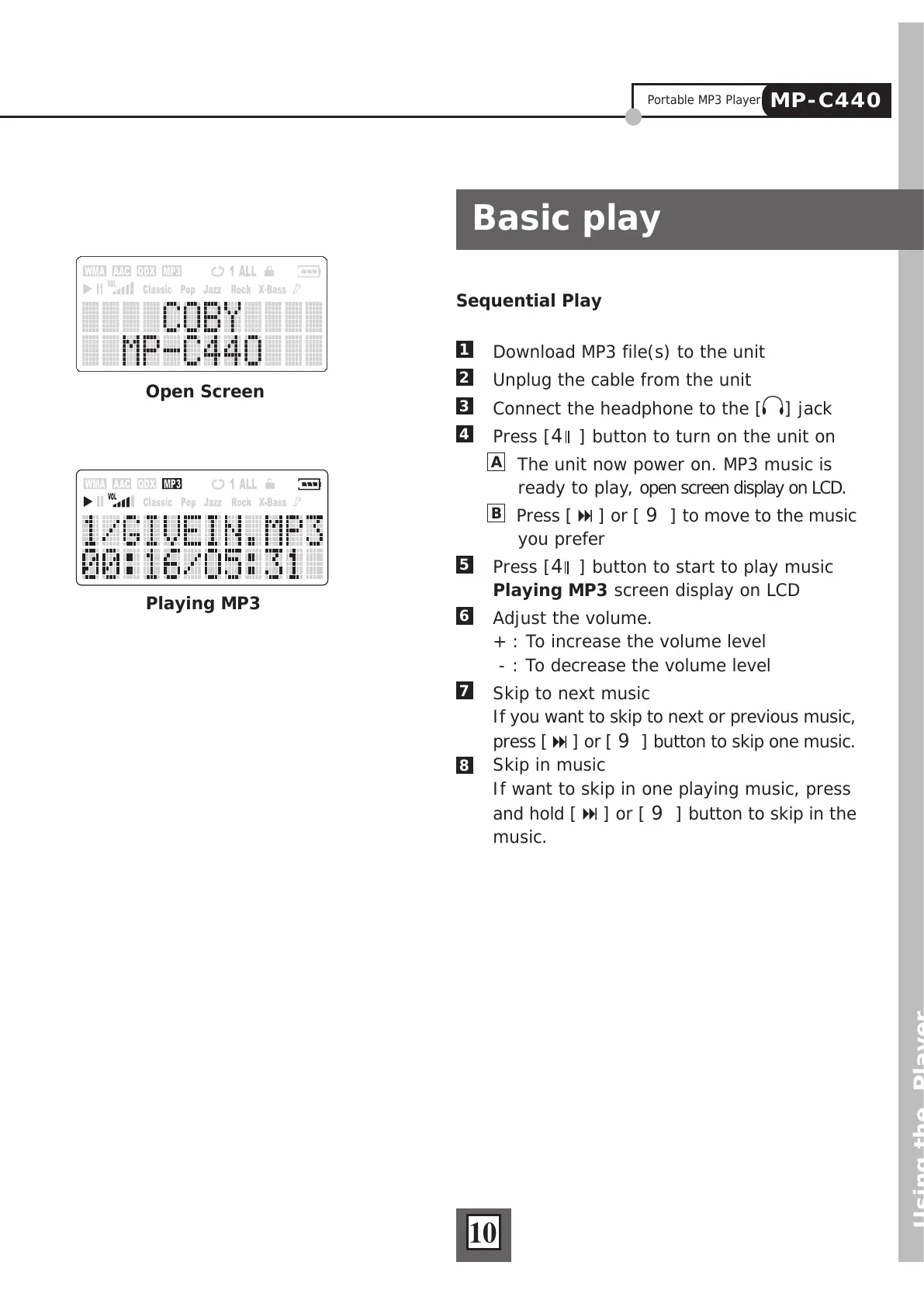
The unit now power on. MP3 music is
ready to play, open screen display on LCD.
B
Press [ ] or [ 9 ] to move to the music
you prefer
5
Press [4 ] button to start to play music
Playing MP3 screen display on LCD
6
Adjust the volume.
+ : To increase the volume level
- : To decrease the volume level
7
Skip to next music
If you want to skip to next or previous music,
press [
] or [ 9 ] button to skip one music.
Skip in music
If want to skip in one playing music, press
and hold [
] or [ 9 ] button to skip in the
music.
Using the Player
Basic play
10
Open Screen
Playing MP3
8
Portable MP3 Player
MP-C440



 To Next Page