Using the Player
Record Voice
Playback voice file
1
Select [Voice Play] in [Voice Mode] menu
and press [MODE]button.
2
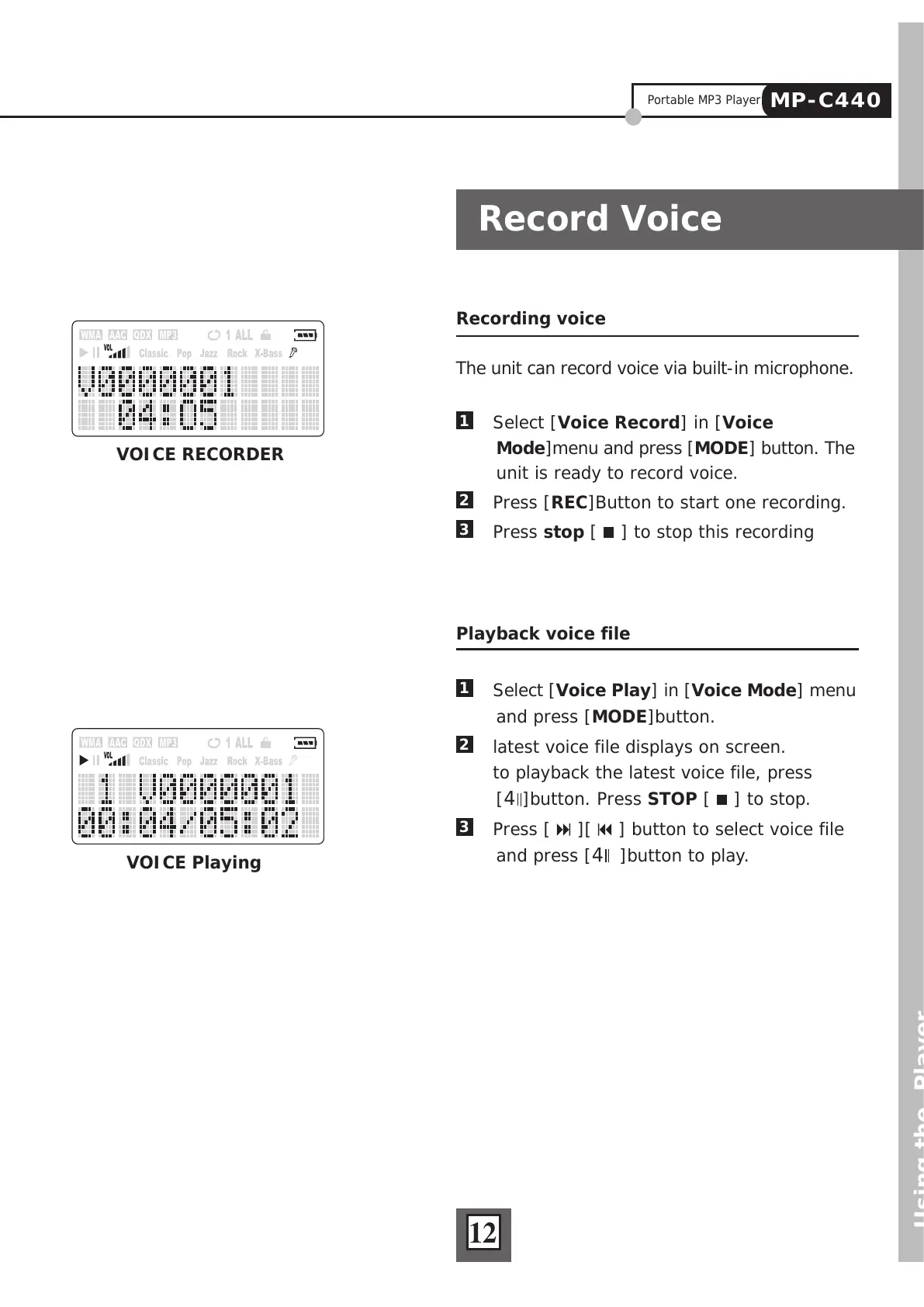
latest voice file displays on screen.
to playback the latest voice file, press
[4]button. Press STOP [
] to stop.
3
Press [ ][ ] button to select voice file
and press [4 ]button to play.
Recording voice
The unit can record voice via built-in microphone.
1
Select [Voice Record] in [Voice
Mode]menu and press [MODE] button. The
unit is ready to record voice.
2
Press [REC]Button to start one recording.
3
Press stop [ ] to stop this recording
12
VOICE Playing
VOICE RECORDER
Portable MP3 Player
MP-C440



 To Next Page