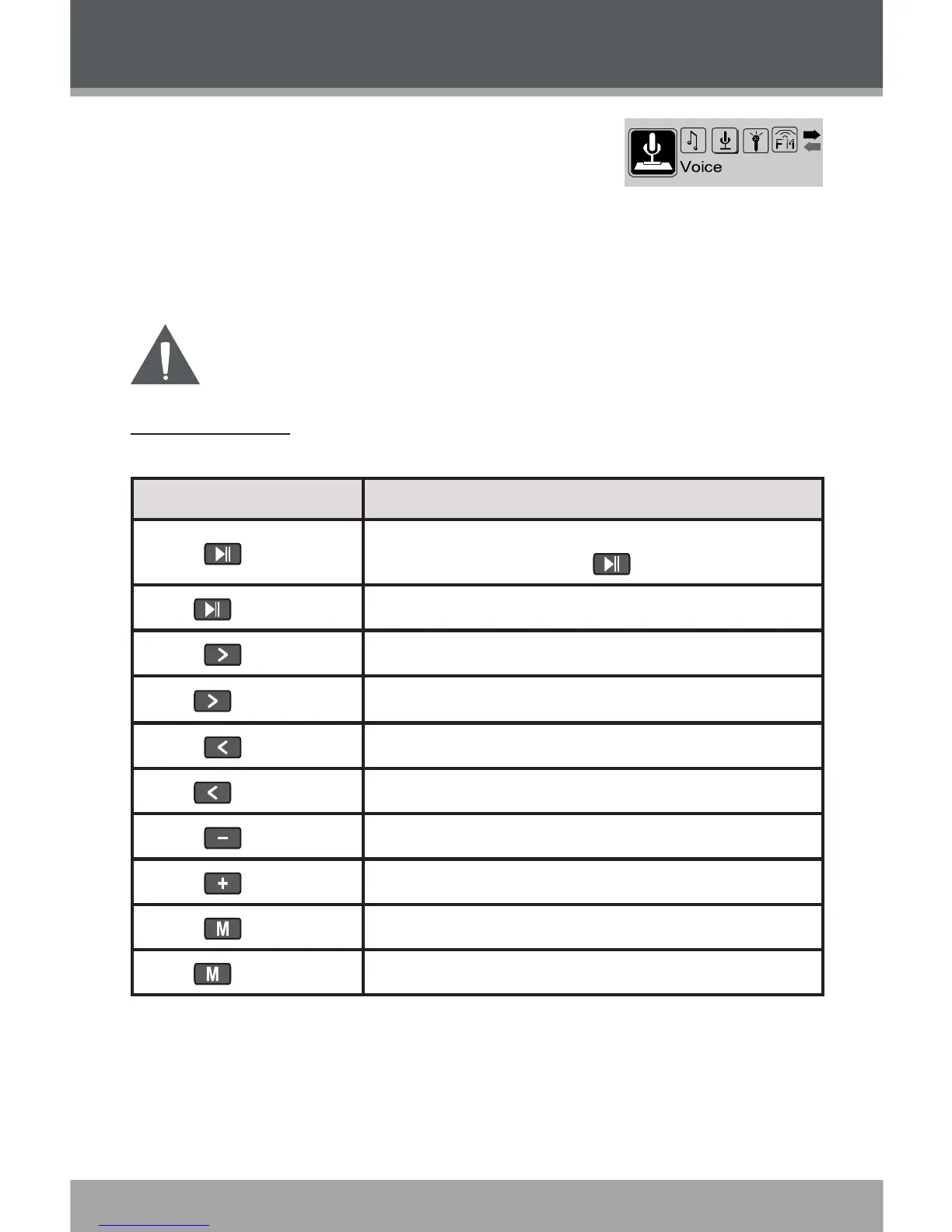
VOICE
Enter VOICE mode from the Main Menu to play
your recorded les (Voice or FM Tuner). If no re-
cordings have been made yet, the display will read
“No Files”.
The rst 3 letters of voice recording les are “MIC”.
The rst 2 letters of FM Tuner recording les are “FM”.
VOICE mode will play all compatible audio recording les on
your player, regardless of directory.
Voice Controls
Use the following controls in VOICE mode.
Key Function
Press
Start/Resume track playback.
During playback, press to pause playback.
Hold (2 seconds)
Stop track playback completely.
Press
Play the next track.
Hold
Fast-forward through the current track.
Press
Play the previous track.
Hold
Reverse through the current track.
Press
Decrease the volume level.
Press
Increase the volume level.
Press
Start Repeat A-B Mode.
Hold
Return to Main Menu.


 To Next Page