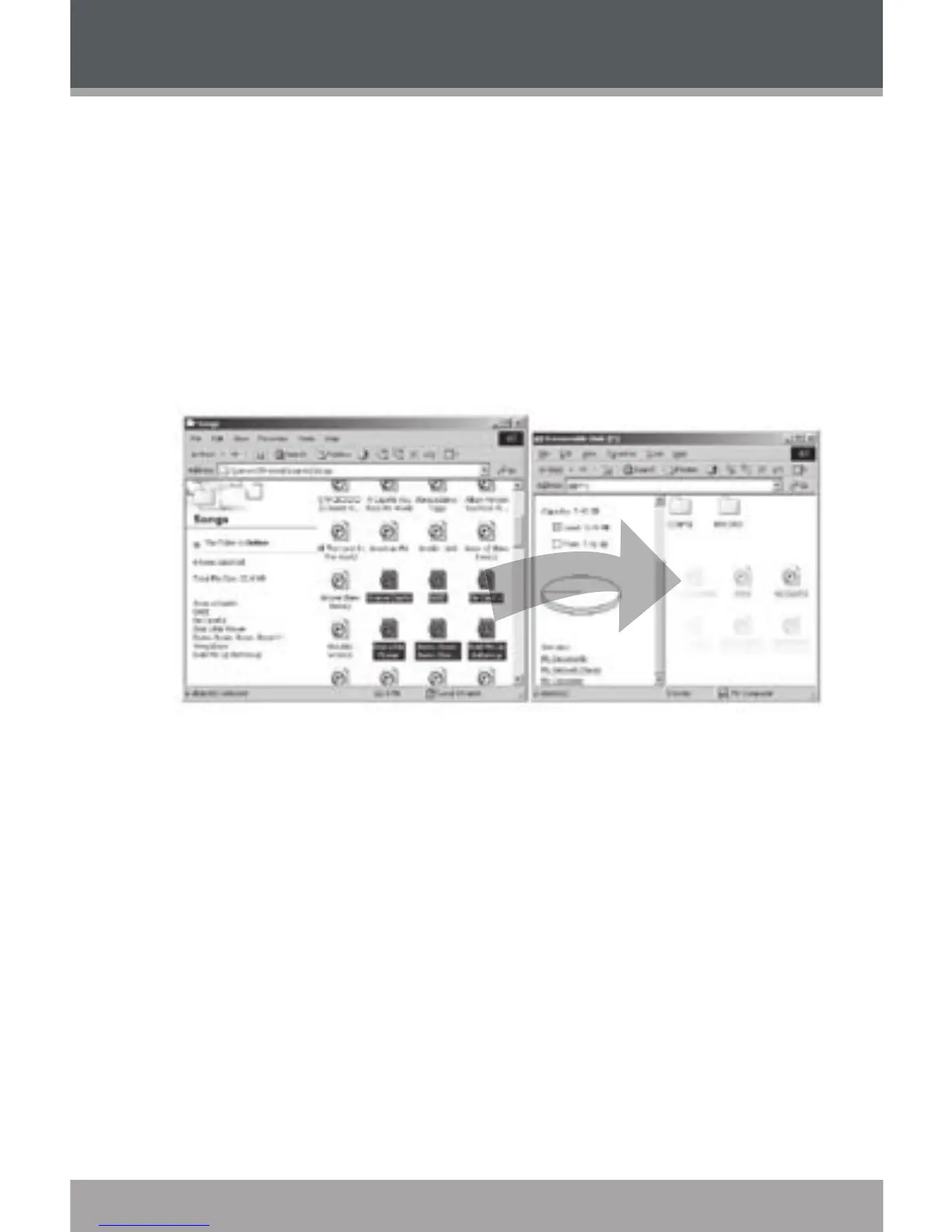
USB-MSC Mode
Files transferred under USB-MSC mode will not be available when using a
USB-MTP connection (and vice versa).
When the MP-C855 is connected under USB-MSC mode:
Double-click the “My Computer” icon on your desktop and then double-
click the MP-C855 icon (Removable Disk).
Drag your media les (or other les) to the Removable Disk.
You may choose to use folders/subfolders to organize your
media and data.
1.
2.
USB CONNECTIONS


 To Next Page