Automatic Windows Media Playlist Synchronization
By default, WMP is set to transfer and synchronize les manually. You can
choose to have Windows Media Player automatically synchronize your playl-
ists when you connect your player to the computer.
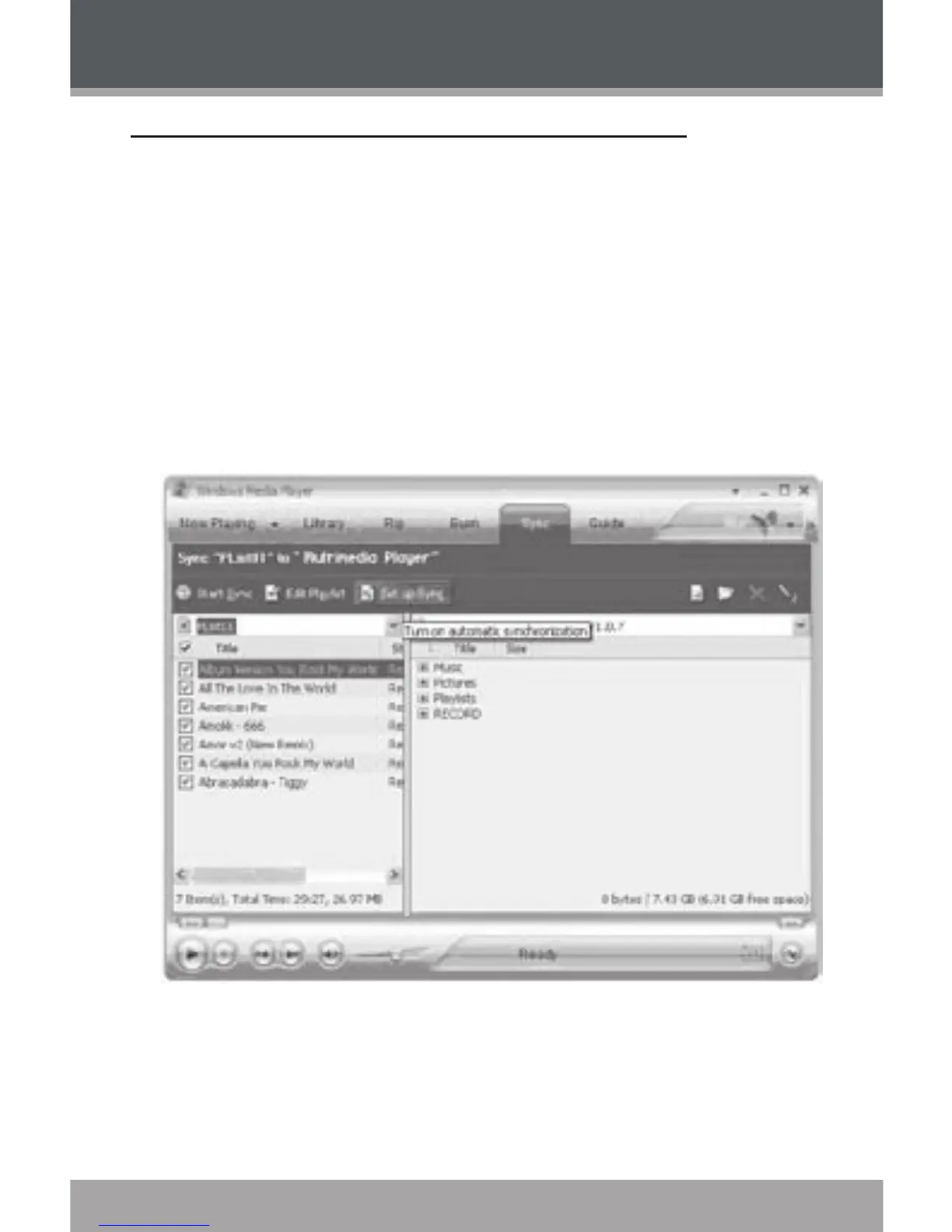
To change the synchronization settings:
Connect your player with the computer and run Window Media Player
10.
In the SYNC menu, click the “Set up Sync” button. A “Synchronization
Settings” window will appear.
Check “Synchronize device automatically” and check the playlist(s) you
want to sync.
1.
2.
3.
WINDOWS MEDIA PLAYER 10


 To Next Page