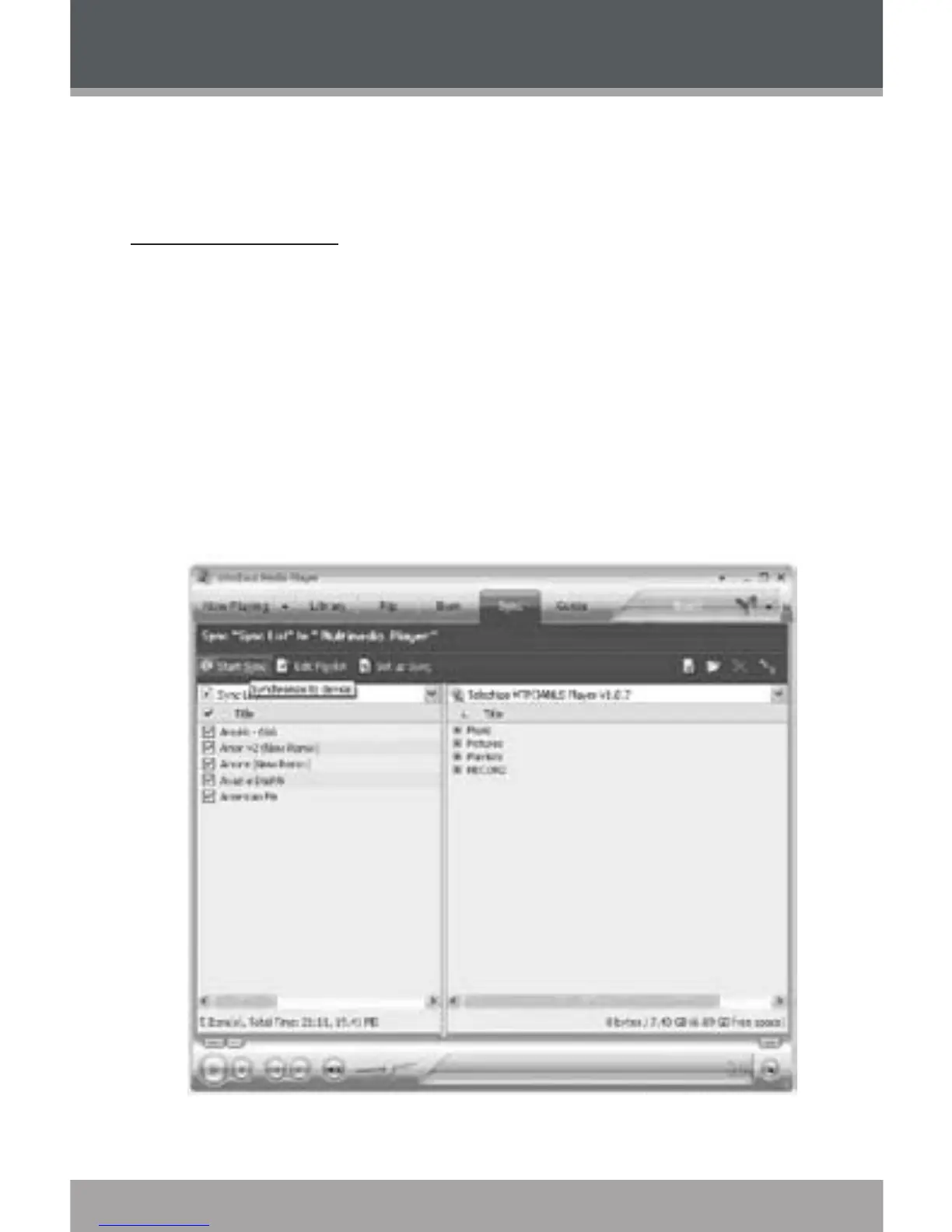
You can use Windows Media Player 10 (WMP10) and a USB-MTP con-
nection to manage your music media library with Microsoft Windows XP or
newer.
Music File Transfers
To transfer les using WMP10:
Run Window Media Player 10
Connect your player to the computer. A “Device Setup” window will ap-
pear.
In the ‘Device Setup” window, choose “Synchronize this device with this
library for this session only” and click “Finish”.
Select “Sync”. There are 2 ways to sync your les with your player:
Drag your songs, photos, or converted video les to the
sync list on the left hand side. Click “Start Sync” to start
transferring the selected les.
1.
2.
3.
4.
WINDOWS MEDIA PLAYER 10


 To Next Page