14
Theplayer’sAVinputfunctionenablestheusertoviewprogramsfromexternalinputsources.
ConnecttheexternalAVsignalsource.Refertothe“CableConnection”sectionfordetails1.
PresstheMODEbuttontoselecttherelevantAVmode(AV,S-Video,Component,HDMI)2.
AV Setup Menu
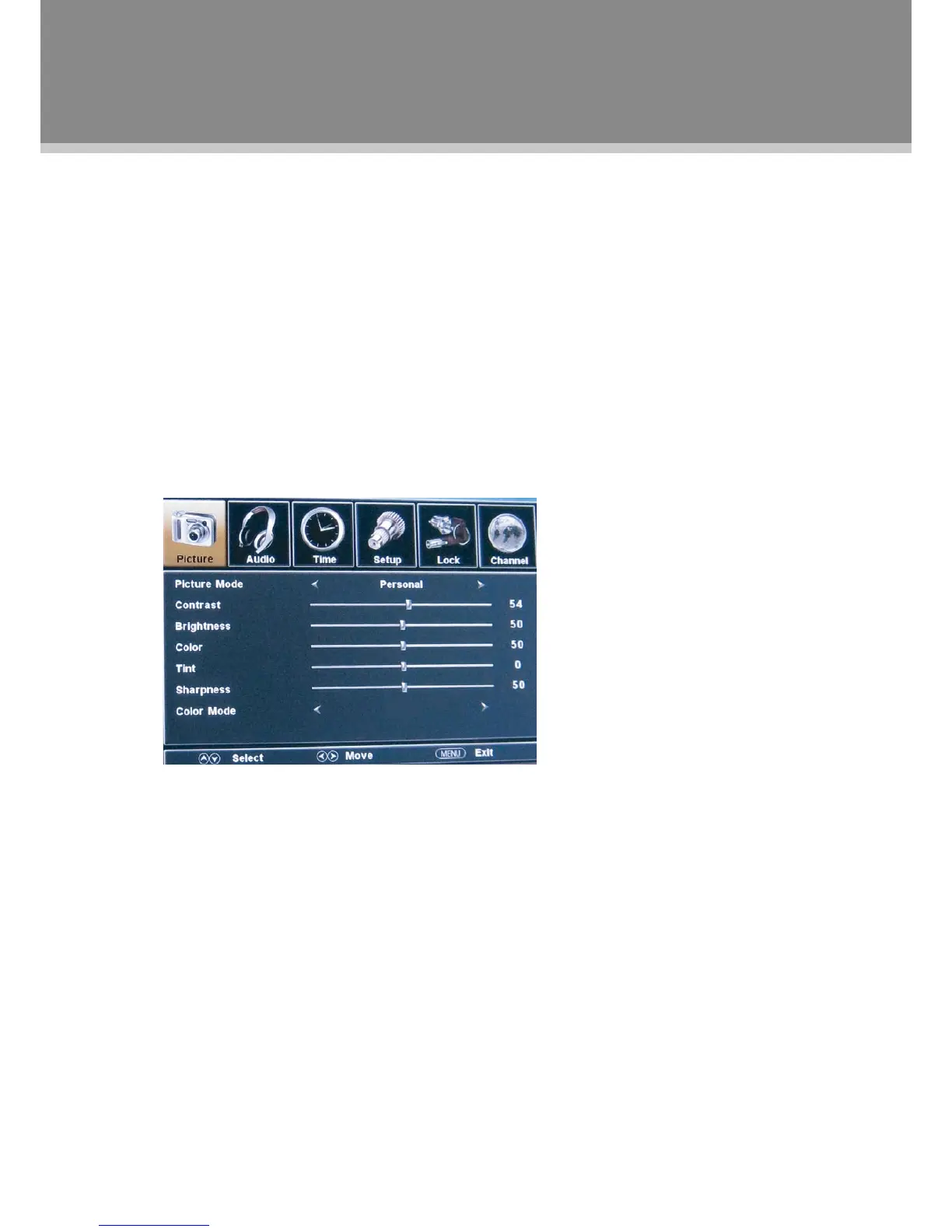
VariousfeaturescanbepresetthroughtheAVmenu.
Press theLCDSETUPbutton to displaytheAVmenu.AVsetupmenuconsistsofPICTURE,AUDIO,•
TIME,SETUPaswellasLOCK.TheLOCKmenuisonlyavailablefortheAV&S-Videomode.
Presstheleft/rightdirectionbuttontoselectthedesiredsub-menu,pressOKtoenter.•
While working with the menu
Presstheup/downdirectionbuttonstoselectthedesireditem.1.
Presstheleft/rightdirectionbuttontoadjust.2.
PressLCDSETUPtoexit/backupthemenu.3.
NOTE:PleaseseetheTVsectionformenudescriptions.



 To Next Page