16
Preparation
Afterallnecessaryconnectionshavebeenmade,pressPOWERtoturnontheplayerand thenpressthe
MODEbuttontoselectDVD.Thefollowingdiscscanbereadbytheplayer:DVD/CD/MP3/JPEG.
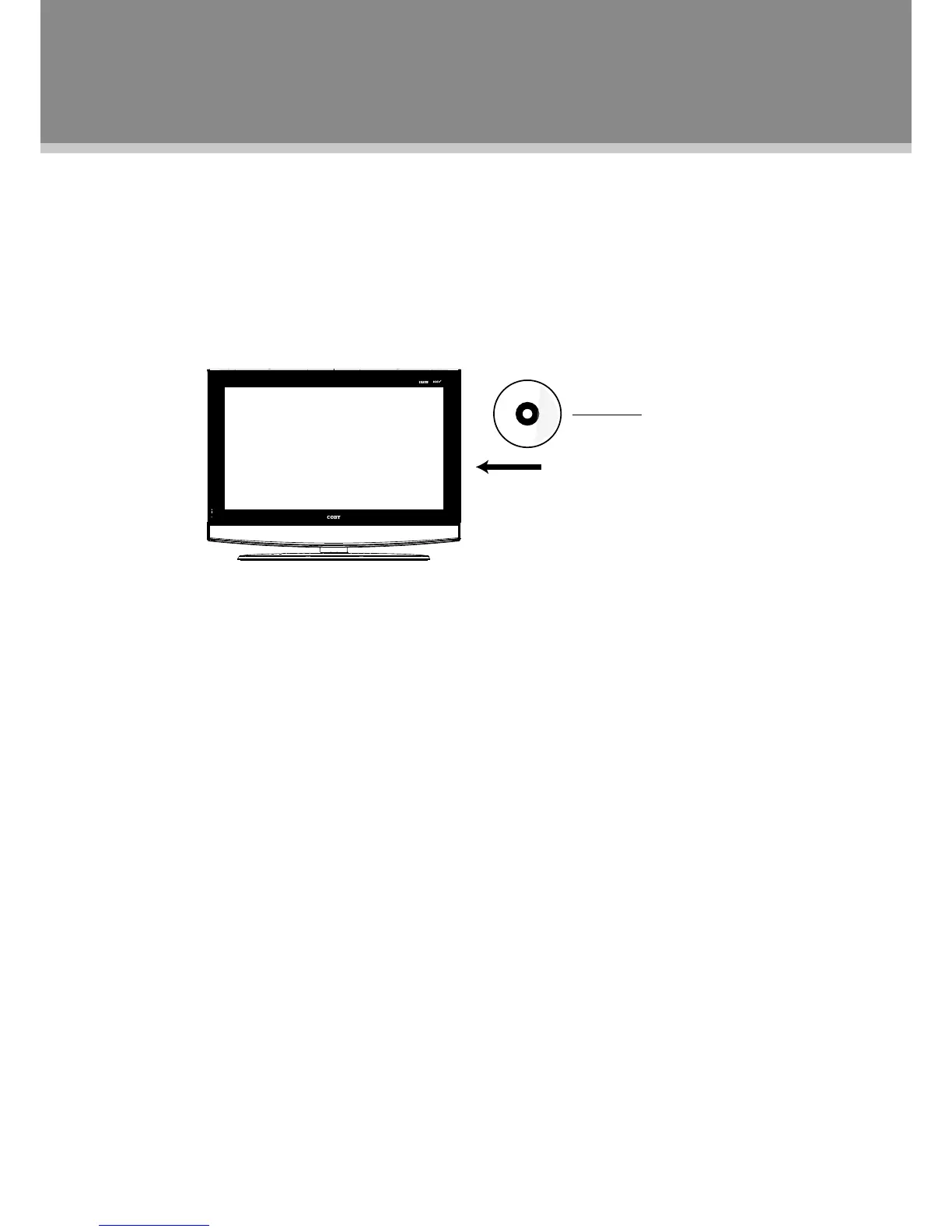
Disc Loading
1.Putthediscslightlyintothedisctray.
2.Thediscwillbetakenautomaticallyintothetray.
Warning:Donotplaypoorqualitydiscsthatmaydamagetheplayer'slens.
DVD Playback
MENU
NormallyaDVDdiscconsistsofseveraltitlesandchapters.Therootmenuwillbedisplayed
automaticallyoncethediscdataisrecognizedbytheplayer.Pressthedirectionbuttonstoselectthe
desiredtitle/chapterfromthemenuandpressOKtoplay.Duringplayback,pressMENUtodisplay
therootmenu.Somediscsstartplaybackautomatically.
SUBTITLE
PressSUBTITLEbuttontoselectsubtitlelanguageformulti-subtitlediscs.
ANGLE
PresstheANGLEbuttontoselecttheangle.ADVDcanberecordedfromvariouscamerapositions,
whichletsyouenjoythesamescenefromdifferentperspectives.Inthiscase,you'llusuallynda
markingontheDVDsleeve.



 To Next Page