19
Slow Playback
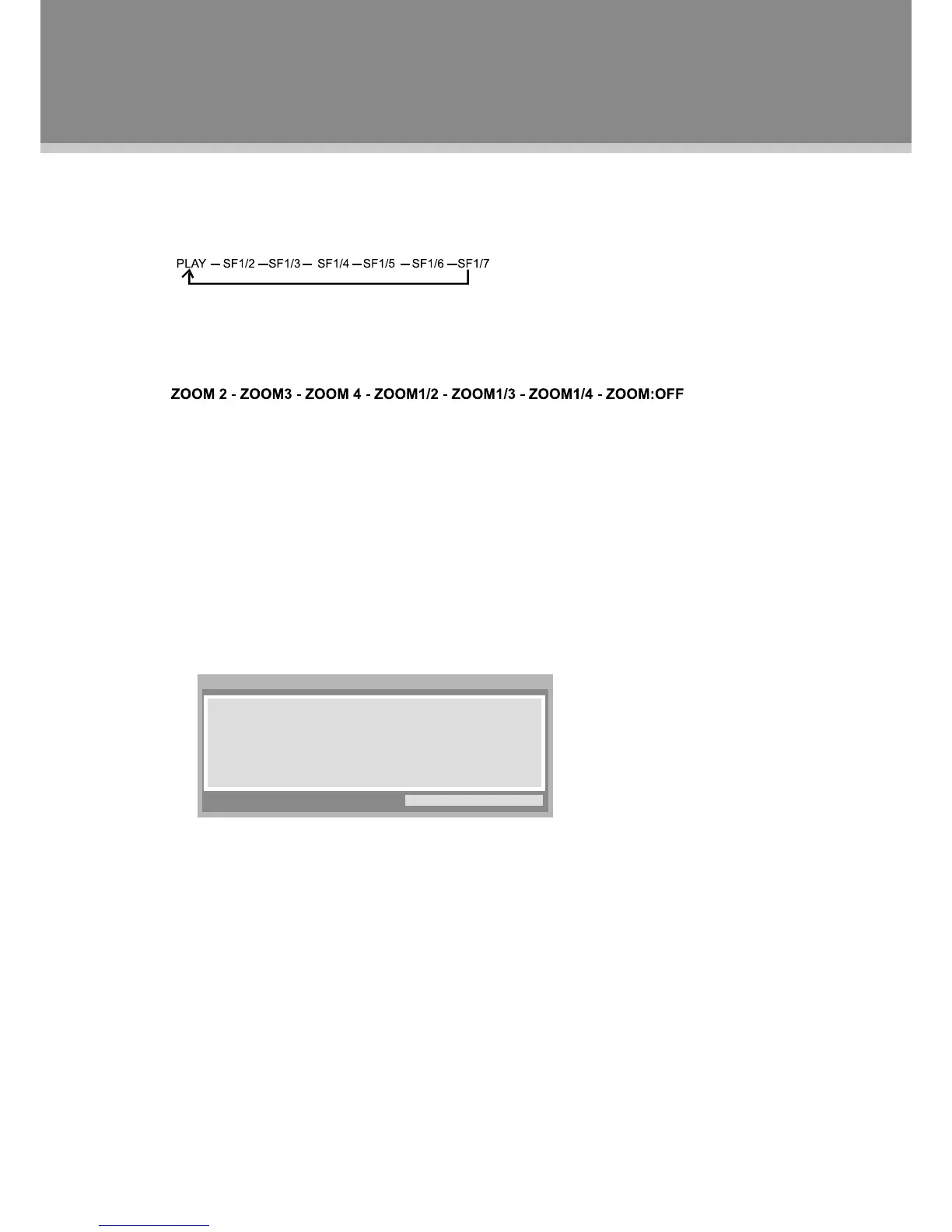
Duringplayback,presstheSLOW/STEPbuttontostartslowmotionplayback,whichwouldbefutherslowed
downforeachtimeyoupressedthisbutton,ifyoupausetheplaybackwiththePlay/Pausebuttonandthen
repeatedlypressthisbutton,itwillmovestep-by-stepforward.
Zoom Function
RepeatedlypresstheZOOMbuttontoachievethefollowingzoomeffect.
NOTE:ThereisnozoomfunctionforMP3orCDdiscs.
Programming Chapters/Tracks
Youcanstoreupto16programs.
PressthePROGRAMbuttontodisplaytheprogrammenu.1.
e.g.DVDMode
Pressthedirectionbuttonstomovebetweentheinputeldsandpressthenumberbuttonstoinputdata.2.
Pressdirectionbuttonstoselect"Play"andpressOKtostartplayback.3.
Toclear,select“CLEAR”fromthemenuandpressOK.4.
Toquit,presstheProgrambutton.5.



 To Next Page