12 KANSO 2 SOUND PROCESSOR USER GUIDE
Change program
You can select different programs to change how your
processor deals with sound, for example in noisy or quiet
places.
To switch between programs, use your app or remote.
Please refer to your app or remote user guide for details.
NOTE
You need to pair your sound processor with your app or remote
first. Refer to their user guides for details.
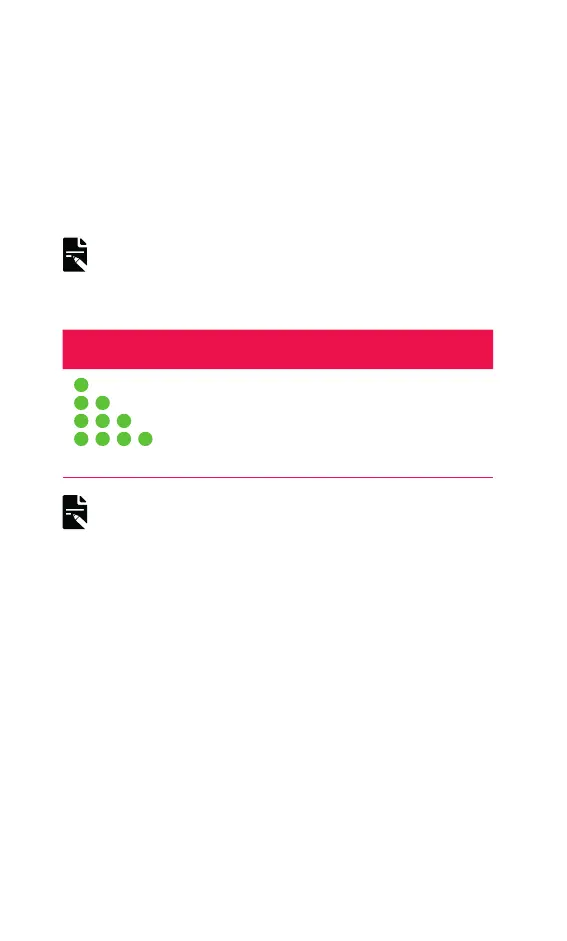
As the program changes, the light flashes green.
INDICATOR LIGHT WHAT IT MEANS
Green flashes
Changing the program.
The number of flashes indicates the
number of the selected program.
NOTES
• Your clinician will set up 1, 2, 3 or 4 programs.
• If your clinician has enabled SCAN, your sound processor can
automatically select the best program for you.



 To Next Page