18 KANSO 2 SOUND PROCESSOR USER GUIDE
People with CI600 Series implants
If you have a CI600 Series implant, avoid sliding your
processor sideways onto your implant. This could cause
the processor magnet to misalign with your implant.
Always place the processor down onto your implant.
To place the processor on your head:
1. Hold the processor slightly above the implant location on
your head.
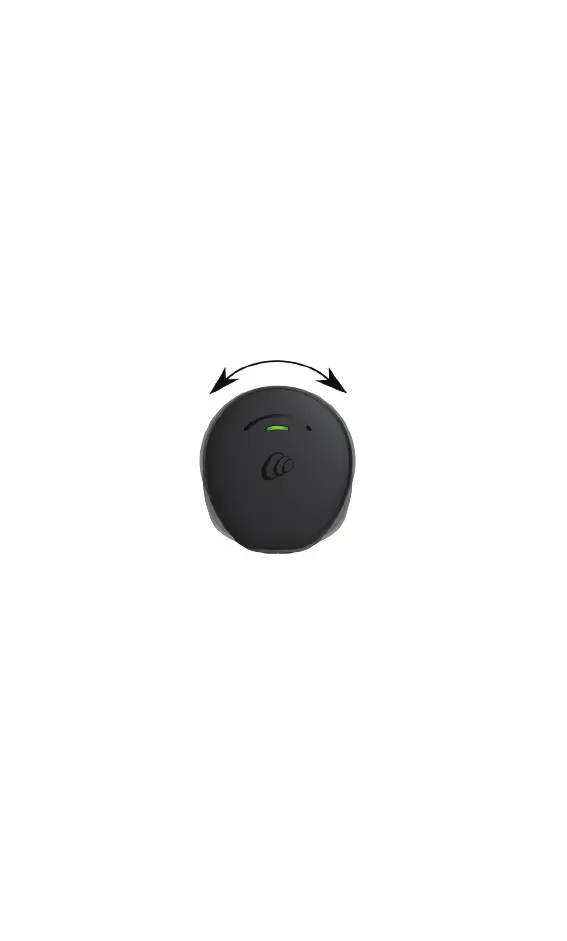
2. Rotate the processor slightly in both directions (clockwise
and anti-clockwise).
3. When you feel a strong pull, place the processor on
the implant.
4. Rotate the processor so that the microphones are
facing up.



 To Next Page