38 KANSO 2 SOUND PROCESSOR USER GUIDE
Use flight mode
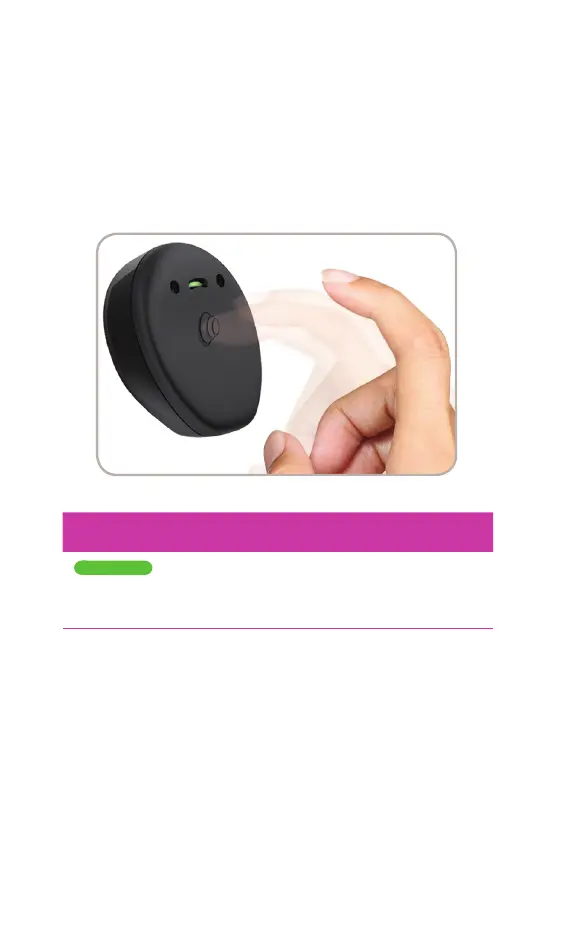
To switch your processor to flight mode:
1. Remove the procesor from your head.
2. Quadruple-tap (4 taps, quick and firm) on the
Cochlear logo.
3. Within 5 seconds, place the processor back on your head.
INDICATOR LIGHT WHAT IT MEANS
Steady green
Sound processor enters flight mode.
Green light stays on until the processor is
placed on the implant.
To switch flight mode off, turn your processor off and on
again. See Turn on and off on page 9.



 To Next Page