16 caSEC revB
Set Up & Programming
Transmitter Programming - Feature Bank 1
1. Turn the ignition ON.
2. Press and hold the valet/override button.
3. Within 10 seconds the system will chirp (3) three times.
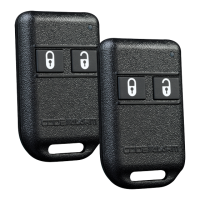
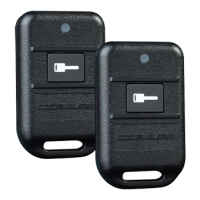
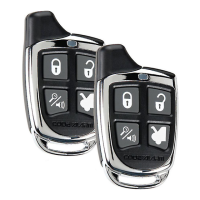
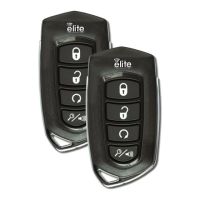
4. Press 1 button of each transmitter you wish to program.
5. The system will respond with 1 chirp for each accepted transmitter.
6. Pressing the override button at anytime during programming will advance to
the next bank.
NOTE: The system will exit transmitter programming after 15 seconds of inactivity.
NOTE: This system has 1 button programming which programs all channels of the
system.
NOTE: The system will hold up to 4 transmitters in memory, programming a 5th
transmitter will erase the oldest transmitter in memory.
NOTE:ThissystemhasPTN-ProgrammedTransmitterNotication.Eachtimethe
ignitionisturnedON,theLEDwillashthenumberoftransmittersprogrammedtothe
system.
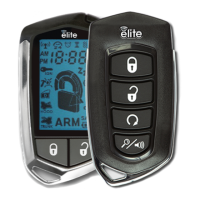
Transmitter programming for 2 Car Mode *2 way transmitter only:
1. Enter the transmitter into 2 Car Mode. (Refer to transmitter operation in
the owners manual for 2 car operation)
2. Follow the steps above for transmitter programming.
NOTE: 2 car mode requires an additional security system installed in a second
vehicle.



 To Next Page