Code Blue ● 259 Hedcor Street ● Holland, MI ● 4923 USA ● 800.205.7186 ● www.codeblue.com Rev 6/2021 page 30 of 57 GU-164-A
Action Scripts
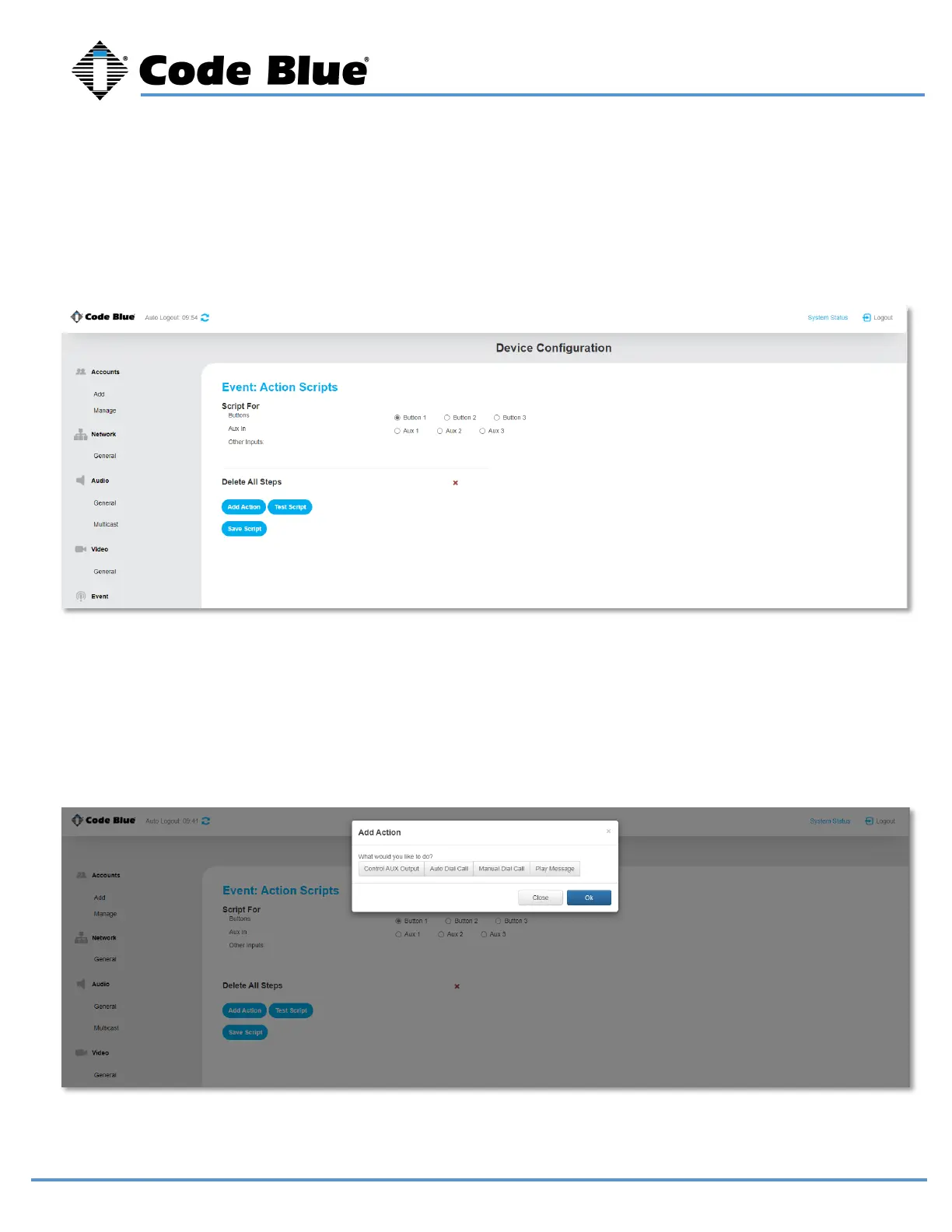
Action Scripts determine what happens when a button is pushed, or aux input is activated. If you have a
multi-button phone the red button is button 1.
Select the button or aux input you would like to associate and action with.
Choose “Add Action”
You can choose to have an aux output triggered, place a call, or simply play a message. You can also
string multiple actions together.



 To Next Page