Code Blue ● 259 Hedcor Street ● Holland, MI ● 4923 USA ● 800.205.7186 ● www.codeblue.com Rev 6/2021 page 31 of 57 GU-164-A
Place Call Action
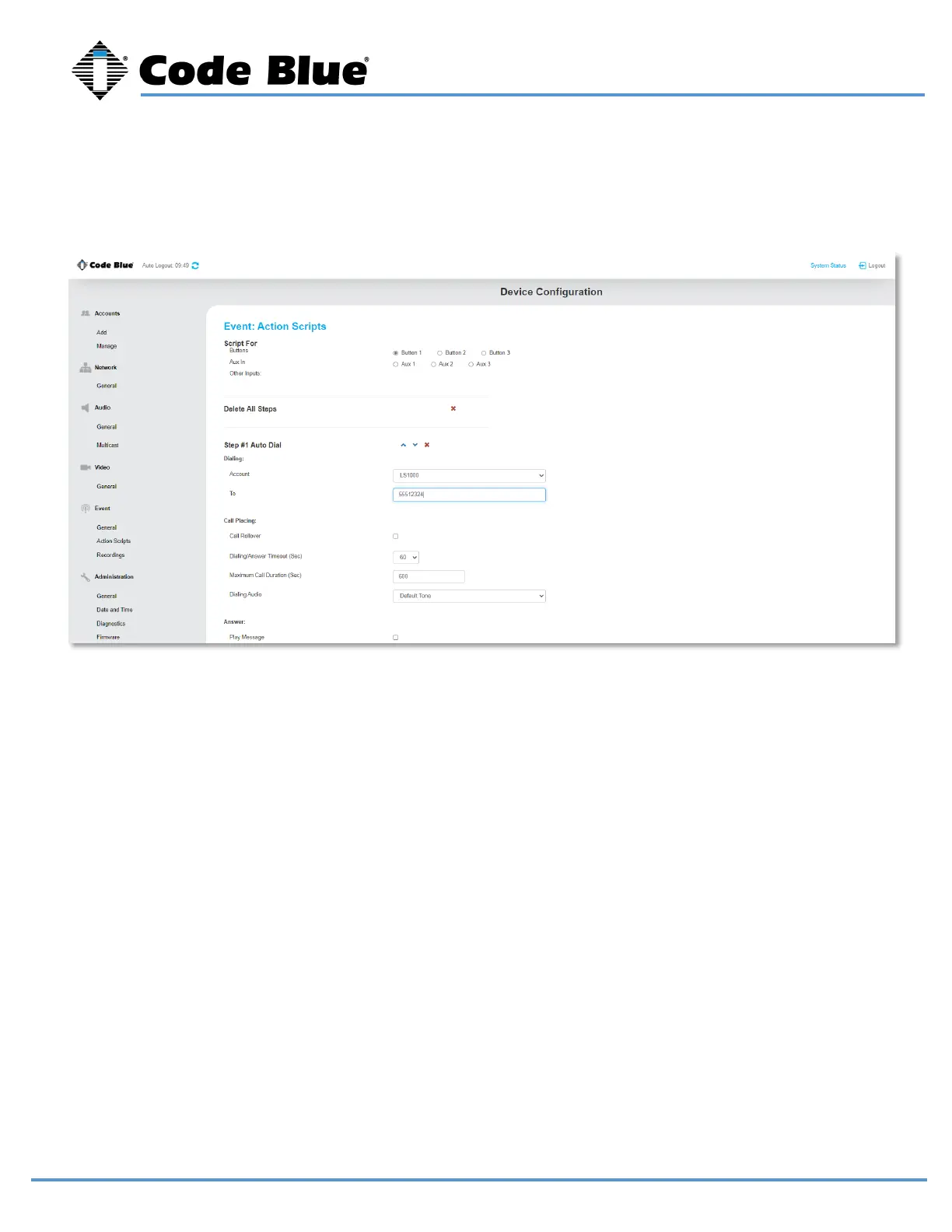
Select the Account that was created earlier that the calls will be routed through.
Enter in the “To” field the number you would like LS1000 to dial. For peer-to-peer, enter the IP
Address:Port the call is intended to go to.
If that number does not answer, you can “Add Call” and select another account and phone number to dial.
This is useful if you have the phone registering to multiple SIP servers/SIP PBXs. For example, you can
have it call 911 from Account 1 and call 911 from Account 2 if Account 1 is down. The phone will roll over
to Account 2 and call out that account.
Repeat for the number of times you want the call to rollover before answering.
Each iteration of the rolled over call uses the “Dialing/Answer Timeout.”
Note: If voicemail answers, then that is considered an answered call.
“Maximum Call Duration” is 600 seconds or 10 minutes by default. This is used as a timer in case the
receiving party never hangs up the call. This timer is editable.



 To Next Page