3
2 Installation
This section describes how to connect the Strobe Light Adapter to the In-Sight 2000 or
3000 processor and the Cognex Light Module.
STEP 1 – Connect the Cables
1. Remove power from the In-Sight processor.
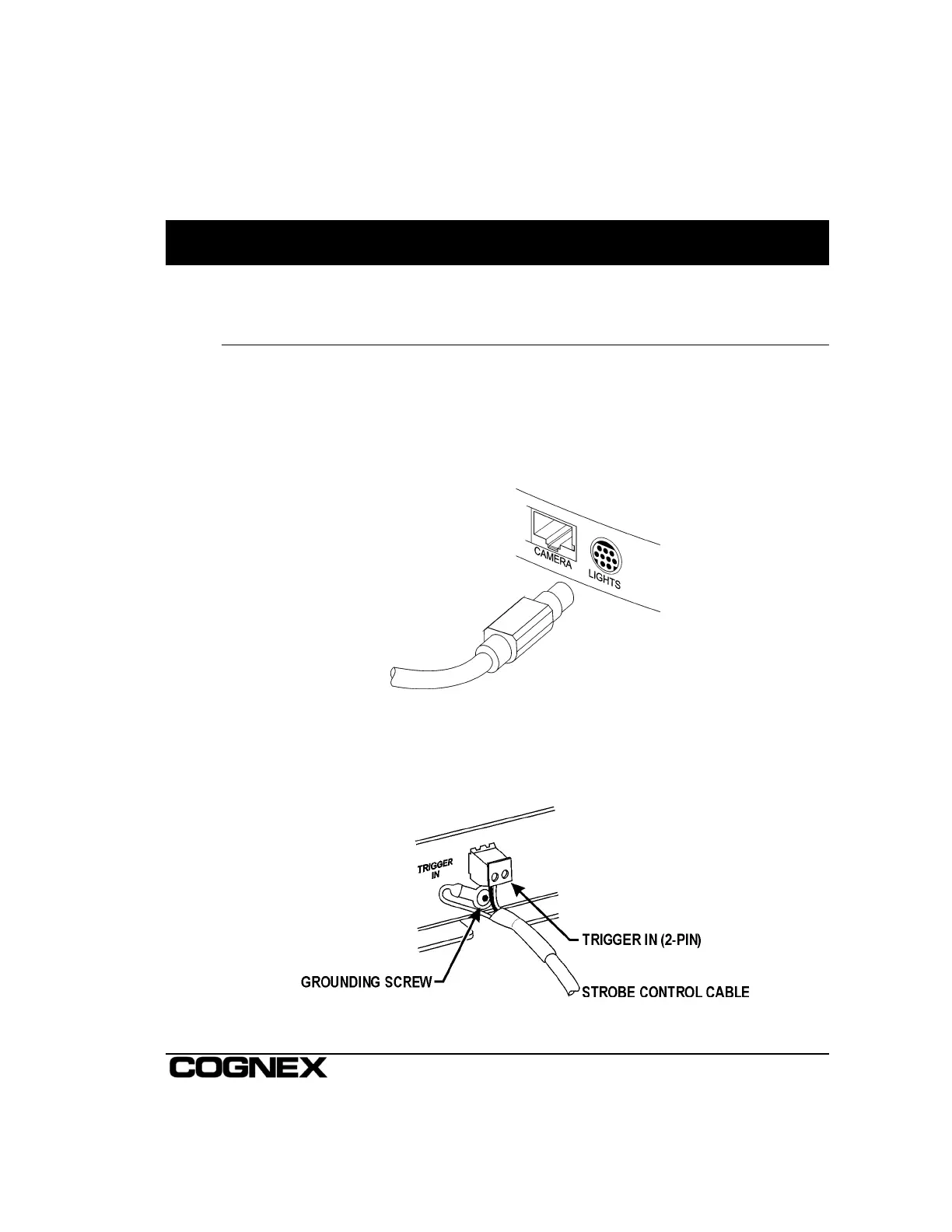
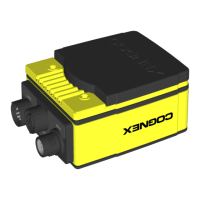
2. Plug the 8-pin male mini-DIN connector of the Strobe Adapter power cable into the
port labeled LIGHTS on the In-Sight processor (Figure 2-1).
Figure 2-1: Connecting to the LIGHTS Port
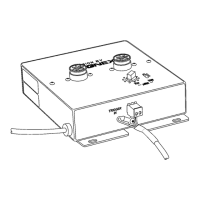
3. Locate the end of the Strobe Control Cable, which terminates in both the 2-pin
connector and the ground wire loop. Plug the 2-pin connector into the TRIGGER IN
receptacle on the Strobe Light Adapter (Figure 2-2).
Figure 2-2: Connecting TRIGGER IN and Ground



 To Next Page