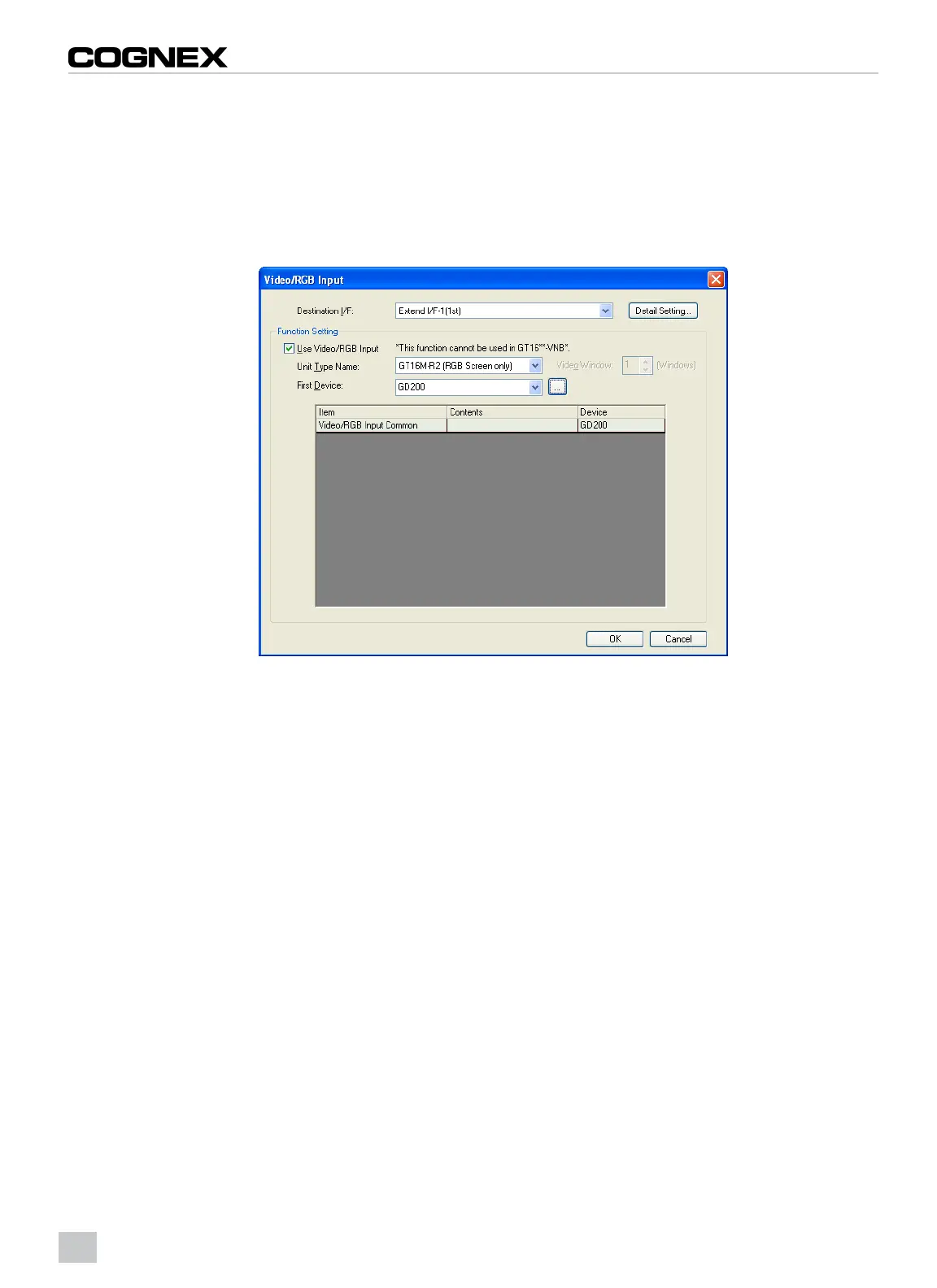
Video/RGB Input
1. From the Common menu, click Peripheral Setting > Video/RGB Input.
2. The Video/RGB Input dialog appears. Configure a bit to enable the display from the VisionView VGA to appear
on the terminal. This can be a bit from the PLC that turns on when required, or it can be a bit from the GOT, as
shown below.
3. Click the OK button.
Figure 2-4: Video/RGB Dialog
6



 To Next Page