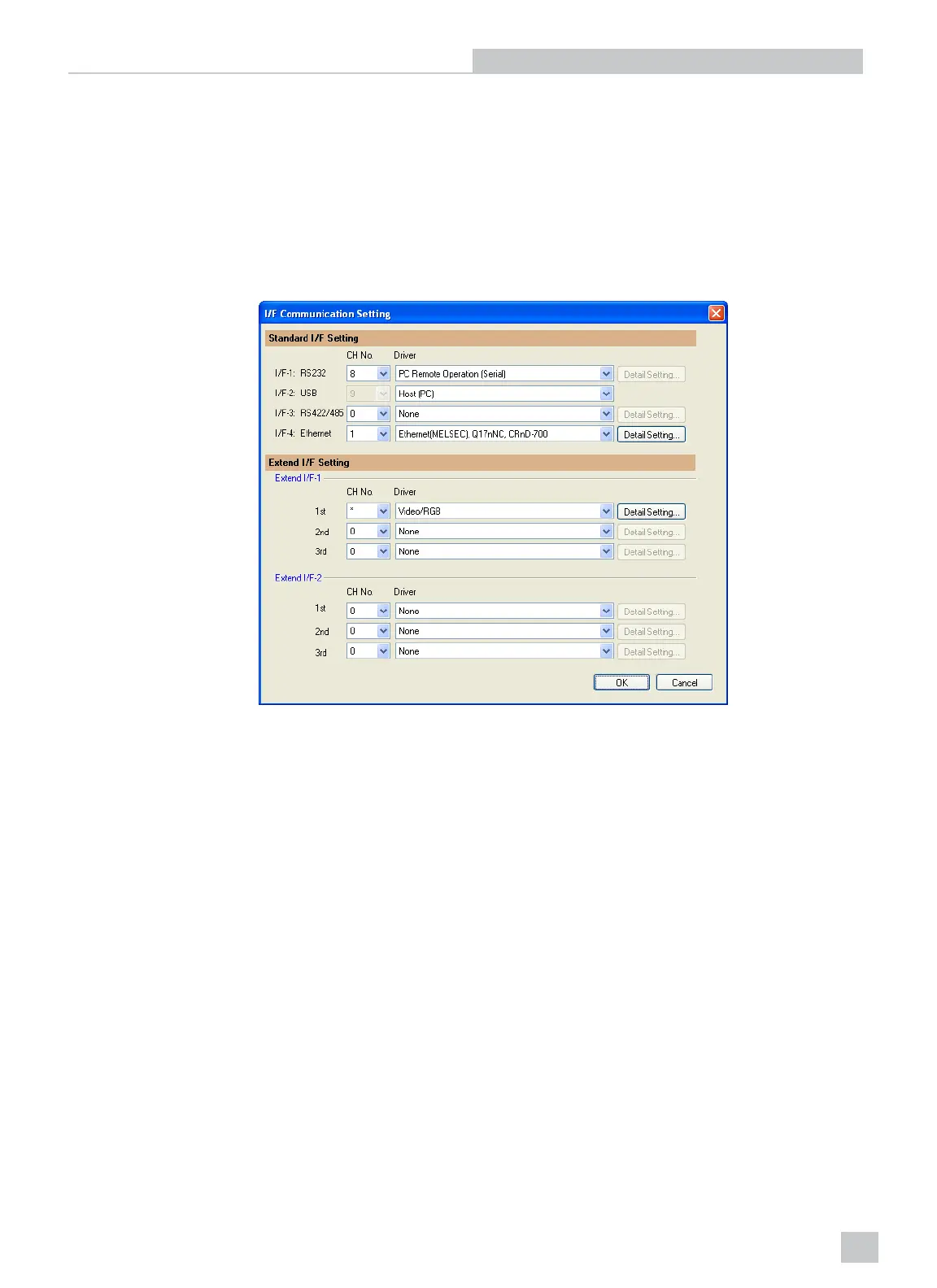
I/F Communication Setting
1. From the Common menu, click I/F Communication Setting.
2. The I/F Communication Setting dialog appears. For the Standard I/F Setting, specify the following for the RS232
connection:
n CH No.: 8
n Driver: PC Remote Operation (Serial)
3. Click the OKbutton.
Figure 2-5: Video/RGB Dialog
Installation and Configuration
7



 To Next Page