Configure the VisionView Application
1. Ensure that a USB mouse is connected to the VisionView VGA’s USB port.
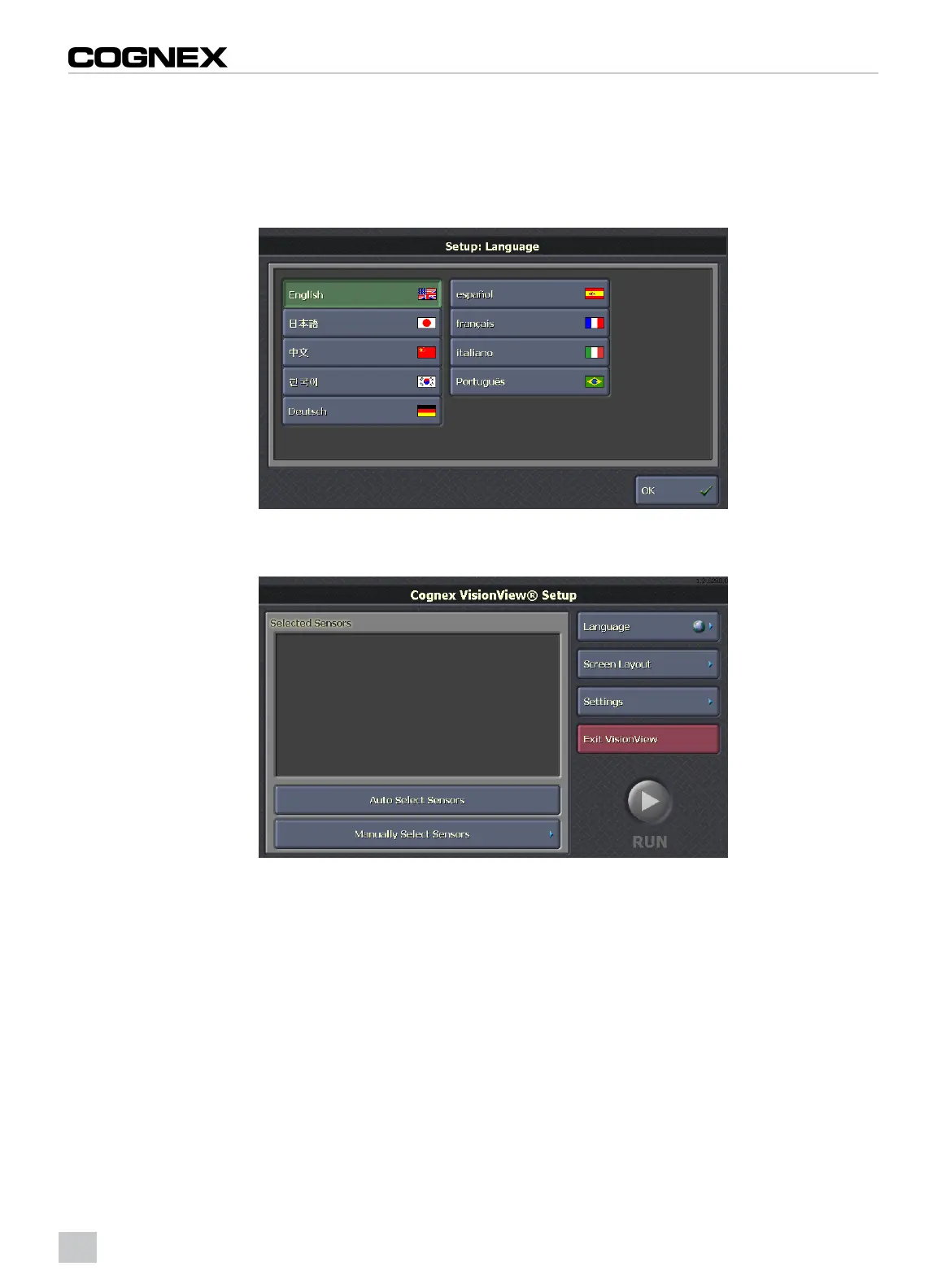
2. Using the USB mouse, specify the appropriate language.
3. Click the OK button.
Figure 2-12: Language Screen
4. From the Cognex VisionView Setup screen, click the Settings button.
Figure 2-13: Setup Screen
12



 To Next Page