Insert Object
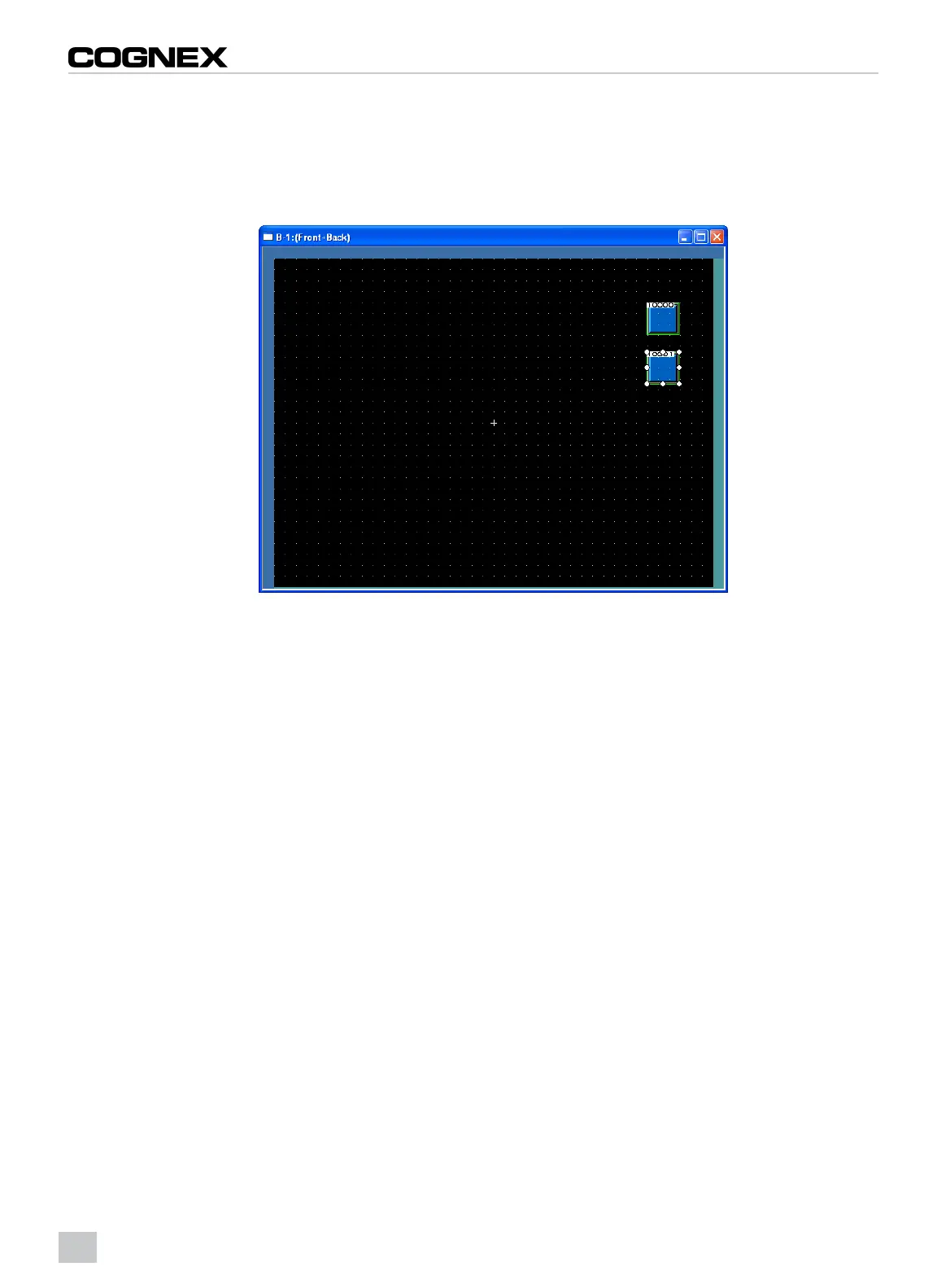
1. From the Object menu, click Switch > Bit Switch.
2. Click the position where the bit switch should be located to complete the arrangement.
3. Repeat to insert a second bit switch.
Figure 2-6: Switch Screen
4. Double-click the first arranged bit switch to display the Bit Switch dialog.
5. Designate the switch to enable the VGA input.
8



 To Next Page