Write to GOT
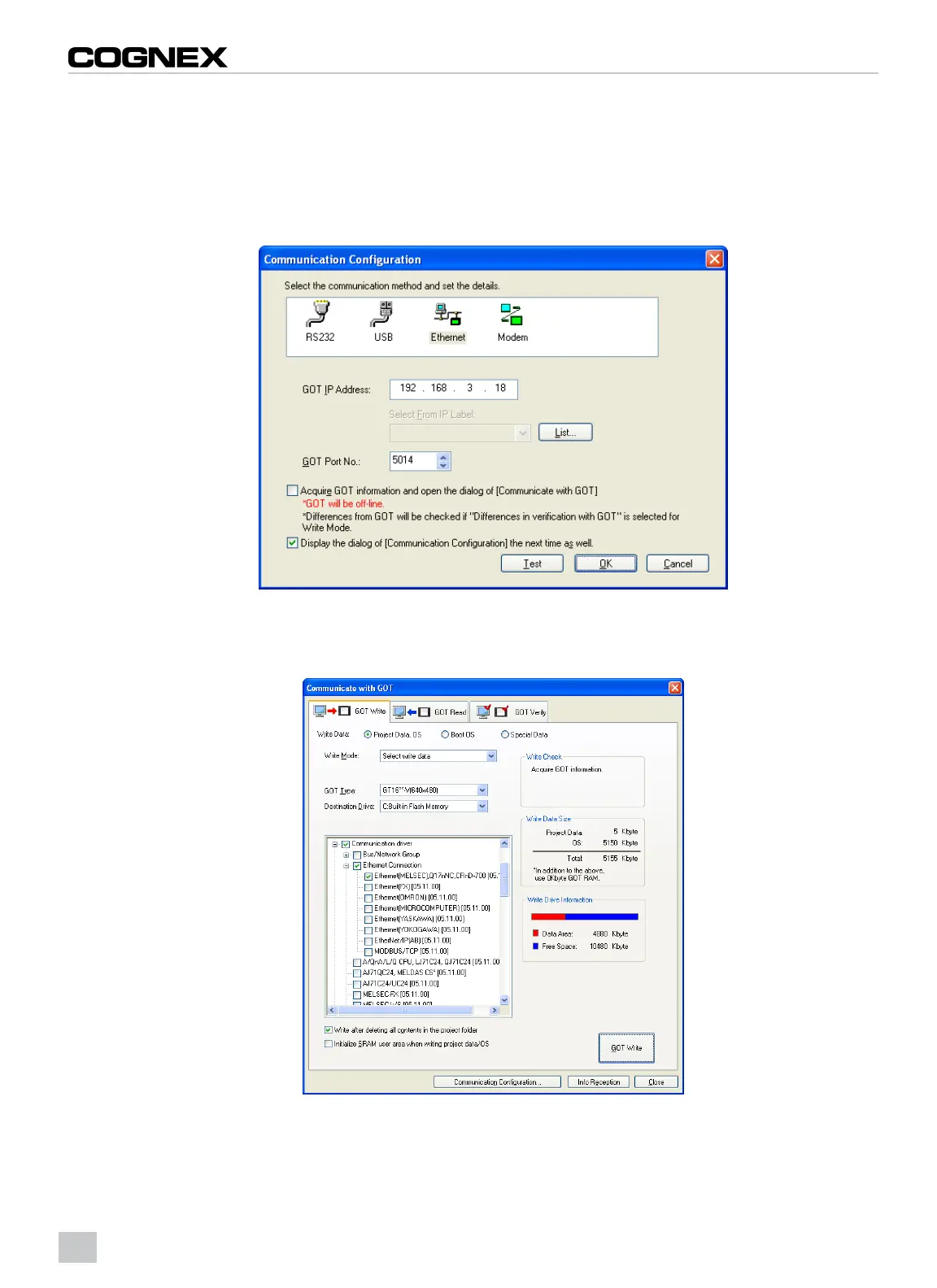
1. From the Communication menu, click Write to GOT…
2. The Communication Configuration dialog appears. Configure the communication settings between the GOT and
the PC.
3. Click the OK button.
Figure 2-9: CommunicateConfiguration Dialog
4. The Communicate with GOT dialog appears. Specify the correct Communication drivers and communication
settings.
Figure 2-10: Communicate with GOTDialog:Ethernet Connection
10



 To Next Page