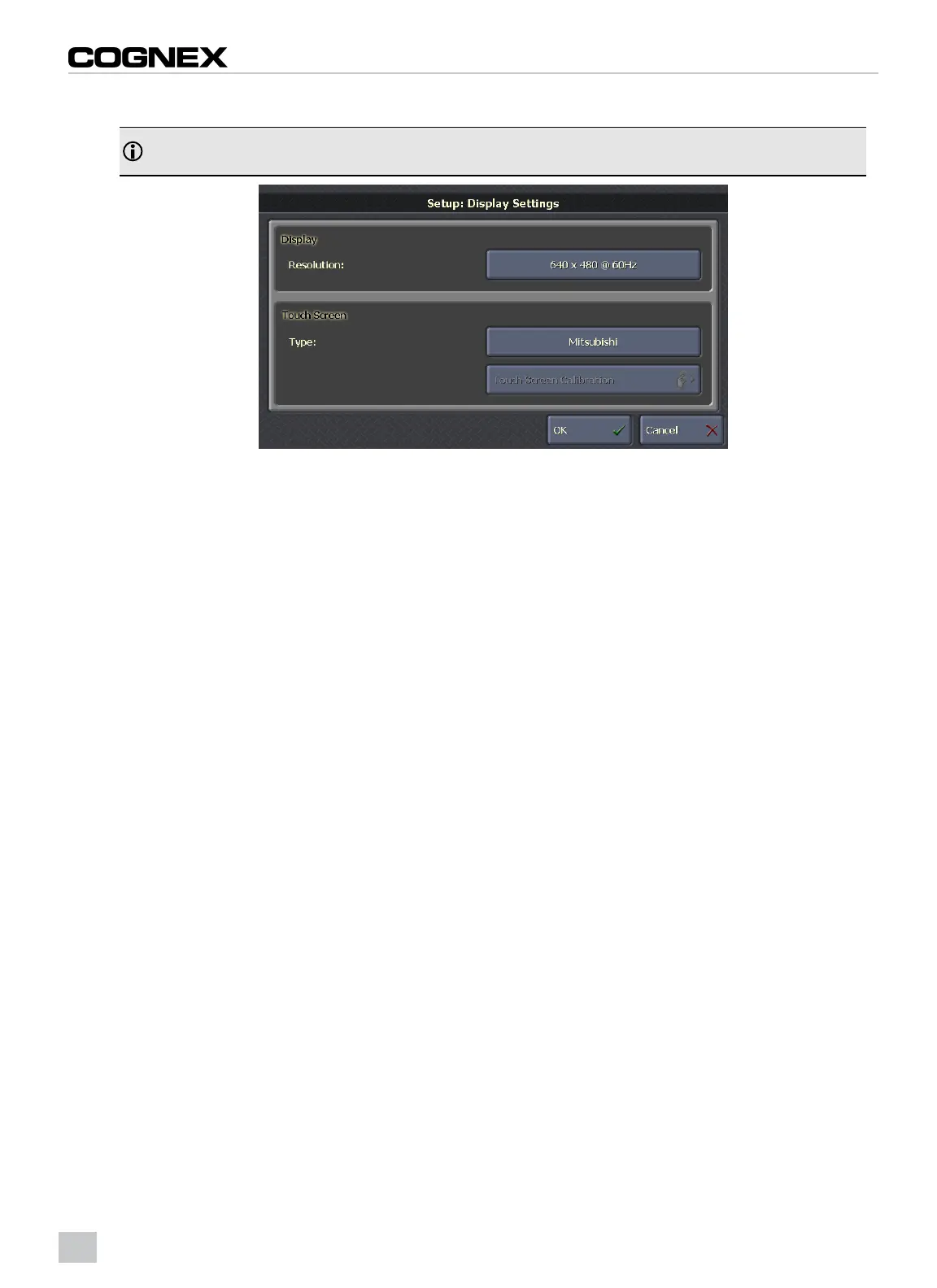
7. Select Mitsubishi from the list of touch screens.
Note: Touch Screen Calibration is not required when using a Mitsubishi GT15 series or GT16 series touch
screen.
Figure 2-16: Display Settings Screen: Select Touch Screen Type
8. Click the OK button to apply the settings. The VisionView VGA will automatically reboot. Touch screen operation
should now be functional and the runtime display can be customized using the VisionView application.
14



 To Next Page