21
Profile Management
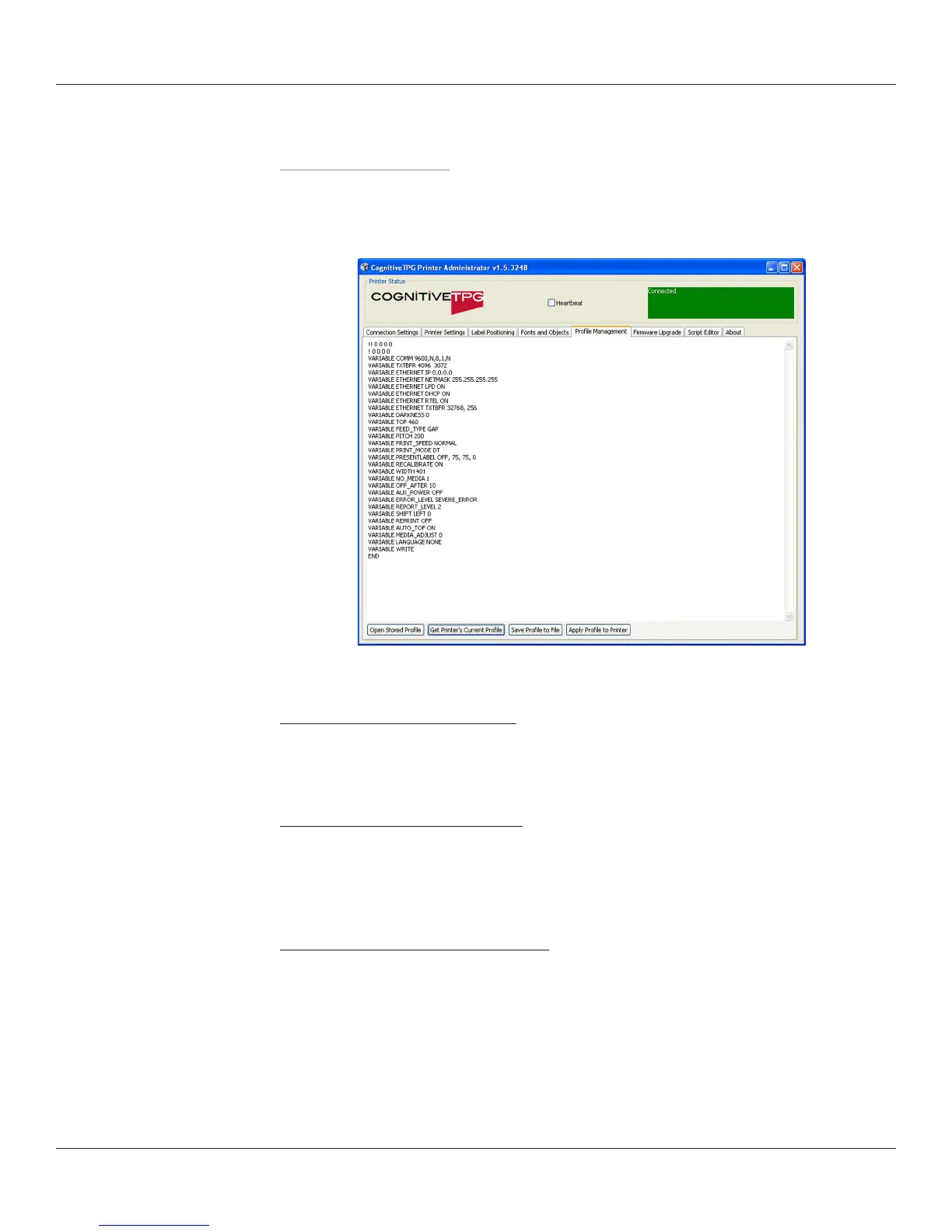
Manage the settings of the DLXi using the Prole Management section of
CognitiveTPG Printer Administrator. Prole Management displays a list of the printer’s
current variable settings.
Obtaining Printers Current Prole
1. Select the Prole Management tab in CognitiveTPG Printer Administrator.
2. Click the Get Printer’s Current Prole button.
Saving the Current Printer’s Prole
1. Select the Prole Management tab in CognitiveTPG Printer Administrator.
2. Click the Get Printer’s Current Prole button.
3. Click the Save Prole to File button.
Applying a Saved Prole to the Printer
1. Select the Prole Management tab in CognitiveTPG Printer Administrator.
2. Click the Open Stored Prole button.
3. Select the desired Stored Prole and click Ok.
4. Click the Apply Prole to Printer button.



 To Next Page