23
Script Editor
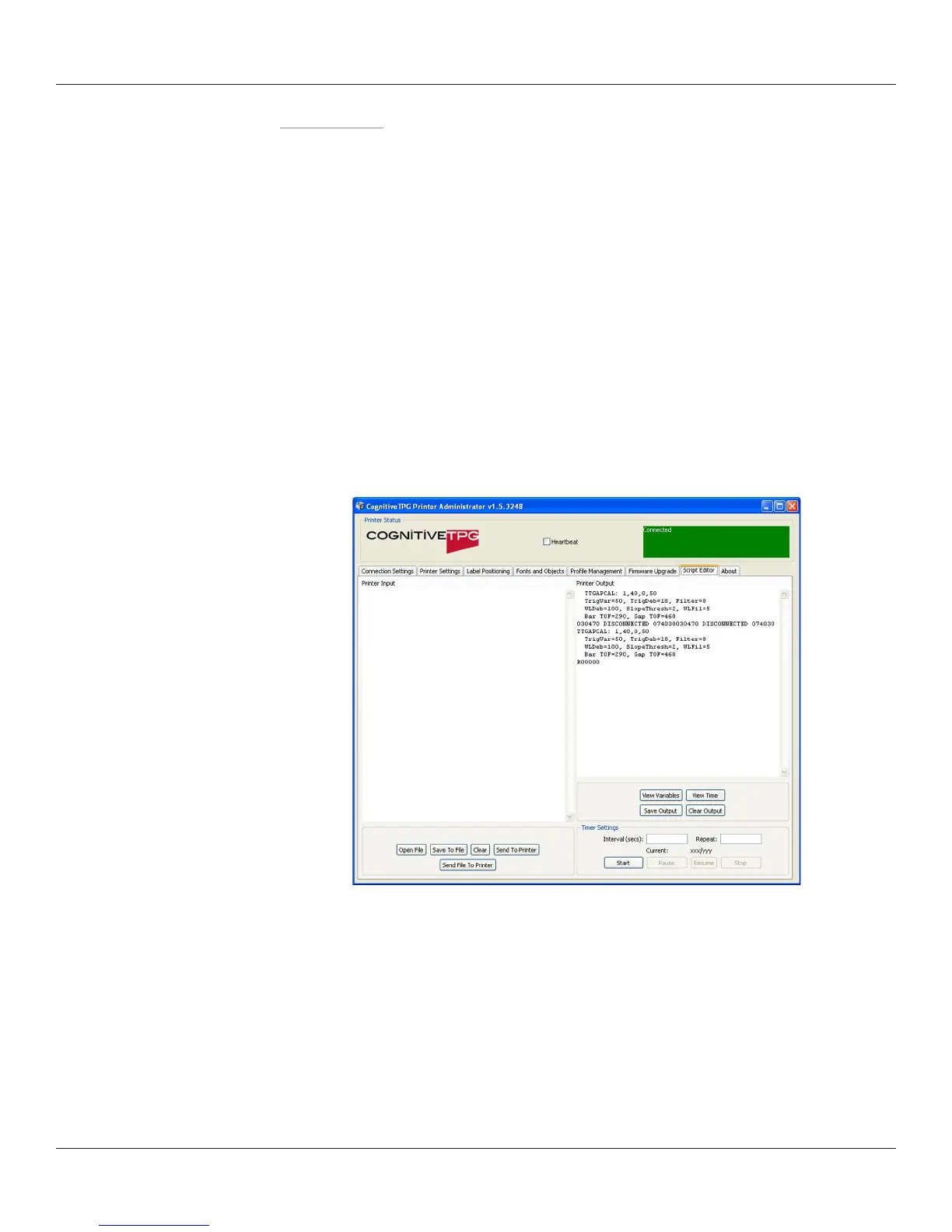
Use the Script Editor in CognitiveTPG Printer Administrator to send programming
language code to the printer. For more information on programming CPL please
refer to the CPL Programmers guide located on the CognitiveTPG Web site www.
CognitiveTPG.com.
Sample Test Script in CPL:
! 0 100 195 1
VARIABLE WIDTH 200
TEXT 3 5 15 PRINTER TEST
END
For a simple printer test, type in the sample code shown above in the “Printer Input”
window and click “Send to Printer” button. The printer should print the phrase “Printer
Test.”



 To Next Page