34
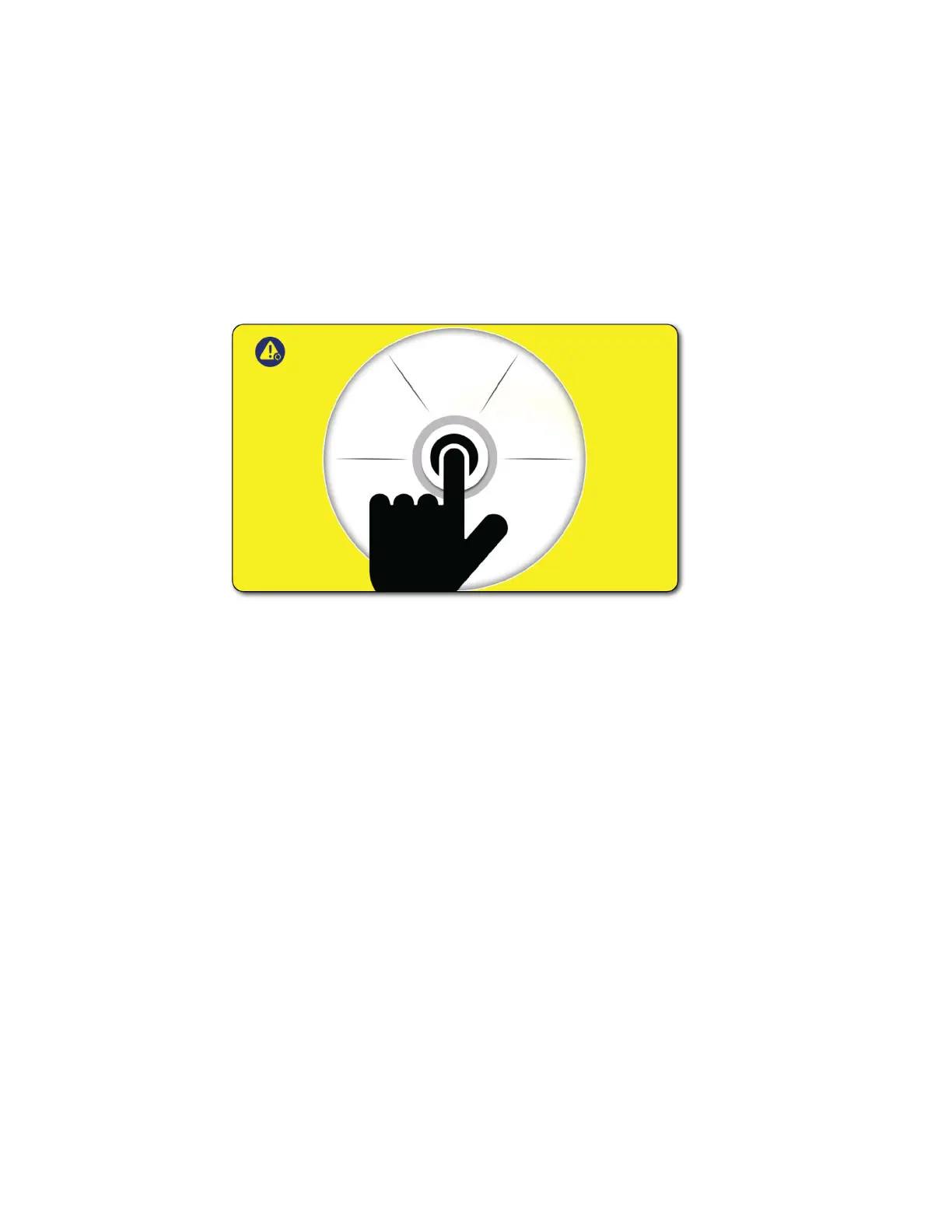
Reset Screen
The reset screen appears if the emergency stop has been activated or the lid to the trough has been
opened. When the reset screen appears, rst correct the issue. If the emergency stop has been
activated — reset the emergency stop by rotating clockwise. If the lid has been opened or is opened,
close it. Use the rotary encoder dial to press the button indicated by the animation. This will reset
the machine and the splash screen, then the home screen will boot up. The MicroClean 2 logic will
validate that the issue has been satised and calibrate. After calibration the machine will return to its
last mode of operation and the settings will return to the settings used prior to shut down.



 To Next Page