22
21
FAQs & Customer Helpline
How to make a
backupbackup?
You can find further help to questions concerning the usage, app and
troubleshooting in our FAQ area on our website
emark.colop.com/faq
For help, questions or any other assistance please
contact our Customer Helpline in your country:
emark.colop.com/e-mark-create/support/customer-helpline
14 15
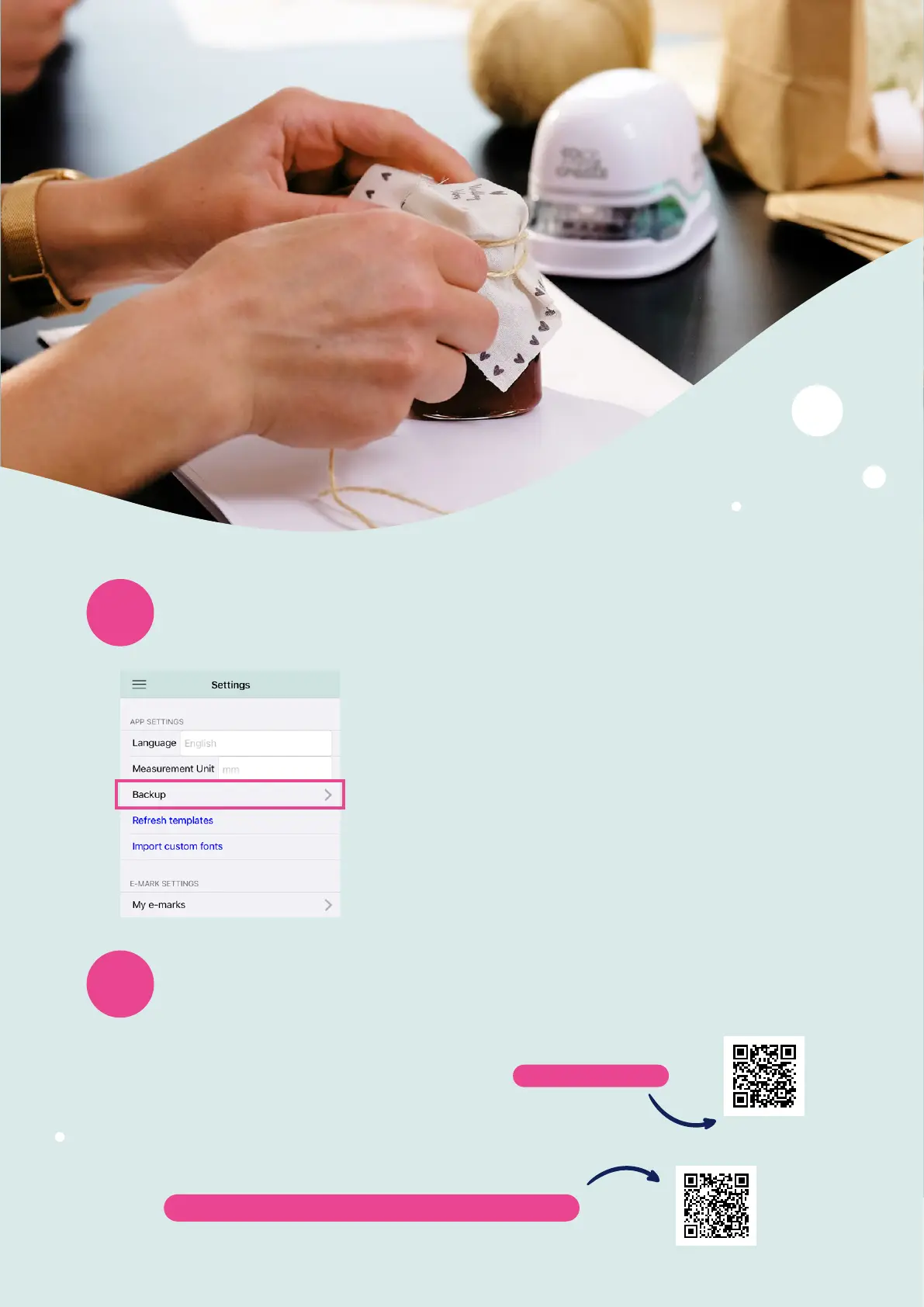
In the settings under Backup you can create a new or import a
backup file.
When creating a backup, all imprints, settings and other data are
saved in a file so that they can be restored at a later time or on
another device. This backup can then be saved on your mobile
device, and it can also be sent via email.
If you want to restore a backup, you can click in the settings on
Import backup and select a backup file.
This makes especially sense in case you delete your app or change
your device.


 To Next Page