Printing
13
direction
The e-mark
®
create
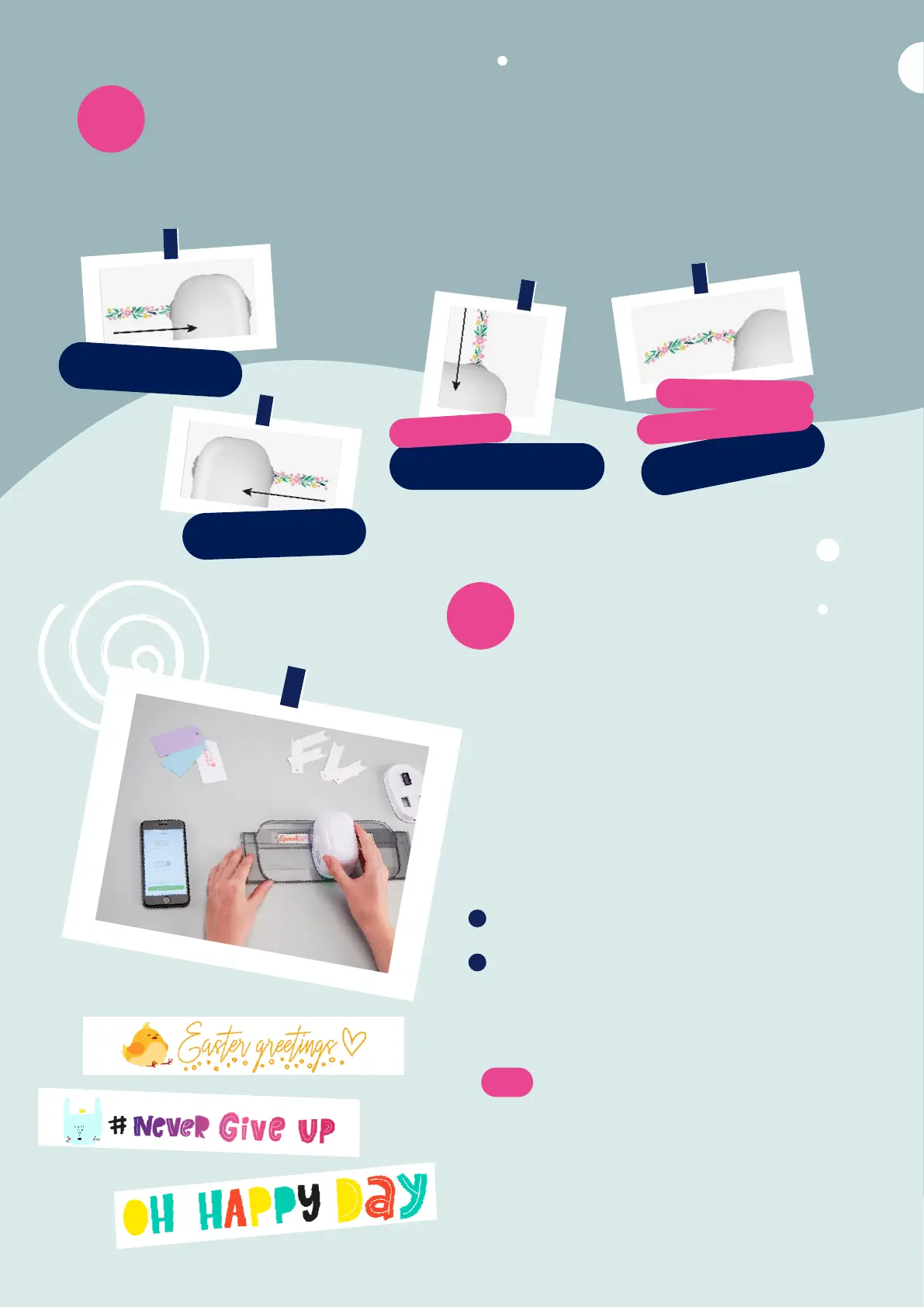
can print in any direction if you rotate the device
accordingly. You can slide from left to right or from right to left. If you
rotate your e-mark
®
create 90
°
you can print vertically. With a bit of
practice you can even print slightly curved instead of a straight line.
This makes the e-mark
®
create perfect for marking cardboard boxes,
greeting cards, walls, etc.
LEFT TO RIGHT
RIGHT TO LEFT
PRINT VERTICALLY
ROTATE 90
°
TO
ARCHED EFFECT
CURVE YOUR DESIGN
WHILE PRINTING FOR AN
Printing
14
using the Ruler
The COLOP e-mark
®
Ruler is the perfect tool to
print onto the COLOP e-mark
®
Wristbands and all
uneven or small objects. With the ruler exact po-
sitioning, straight imprints, printing on edges and
printing on almost any surface is possible.
Go to the editor and create your 1-line design and
send it to the e-mark
®
create
Place your Ruler on the object you want to print on.
If you position the e-mark
®
create on the left side
of your ruler swipe to the right, if you place it on the
right side swipe left.
Note:
Make sure the starting position of your imprint is set
to
center center and insert the e-mark on the very right
or left. The e-mark
®
create will start printing right
at the beginning of the gap in the Ruler. Just select
1-line imprints when using the ruler.
8 9
1
2


 To Next Page