InteliLite 4 MRS16 Operator Guide
30
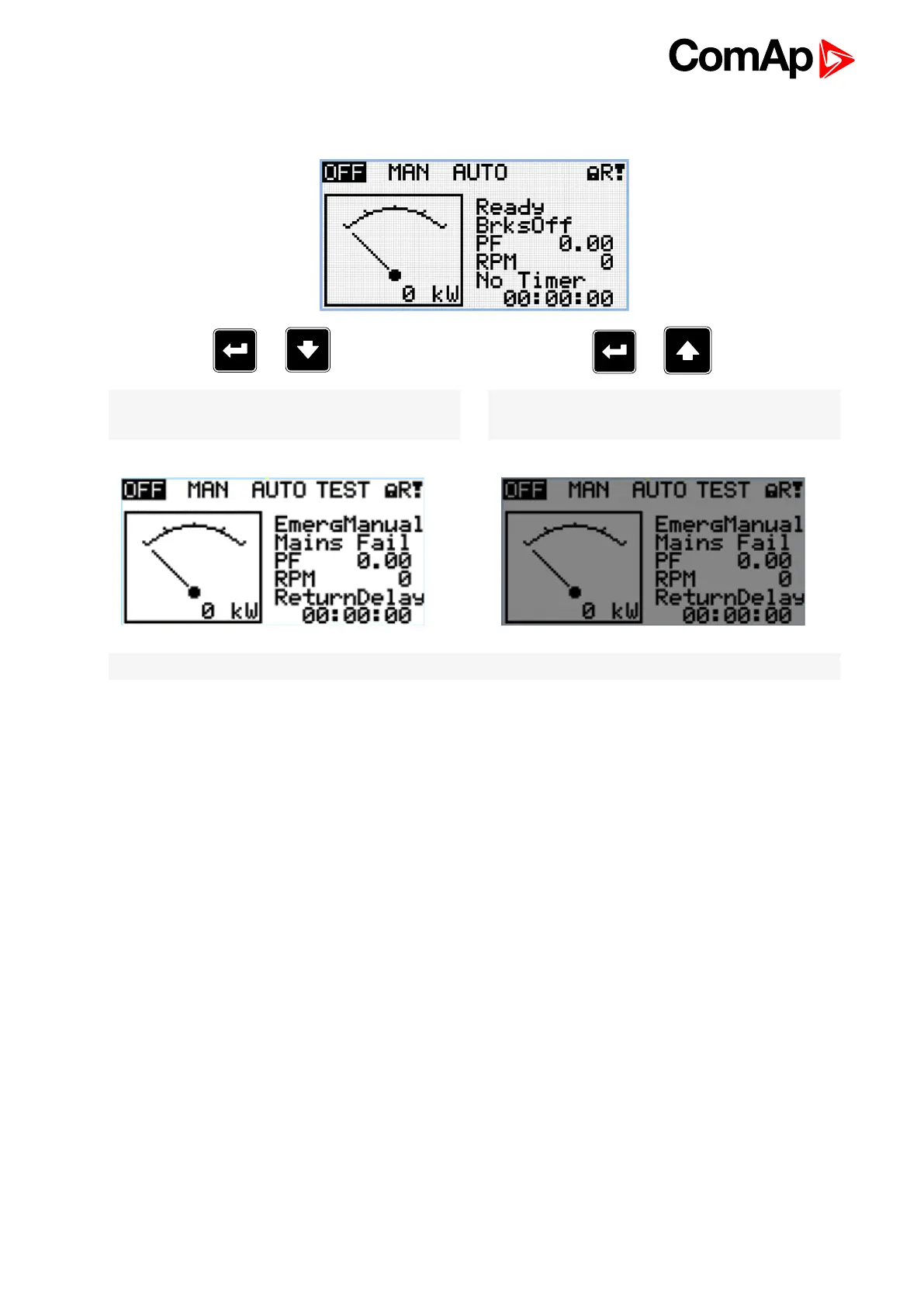
9 Display contrast adjustment
+
Note: On any measurement screen press Enter and
Up button together for higher contrast.
+
Note: On any measurement screen press Enter and
Down button together for lower contrast.
Note: After setting a contrast, no another action is needed.
6 back to Display contrast adjustment












 To Previous Page