10
Powering On and Off
Switch On
BEFORE SWITCHING ON, ENSURE THE ANTENNA HAS BEEN FITTED - IT IS ESSENTIAL TO AVOID DAMAGE.
1. Plug the Gateway AC adaptor into the socket on
the underside of the Gateway, or for the PoE
model (RF500AP) plug the Ethernet cable into a
PoE enabled network socket. The Power/Battery
indicator should show steady green.
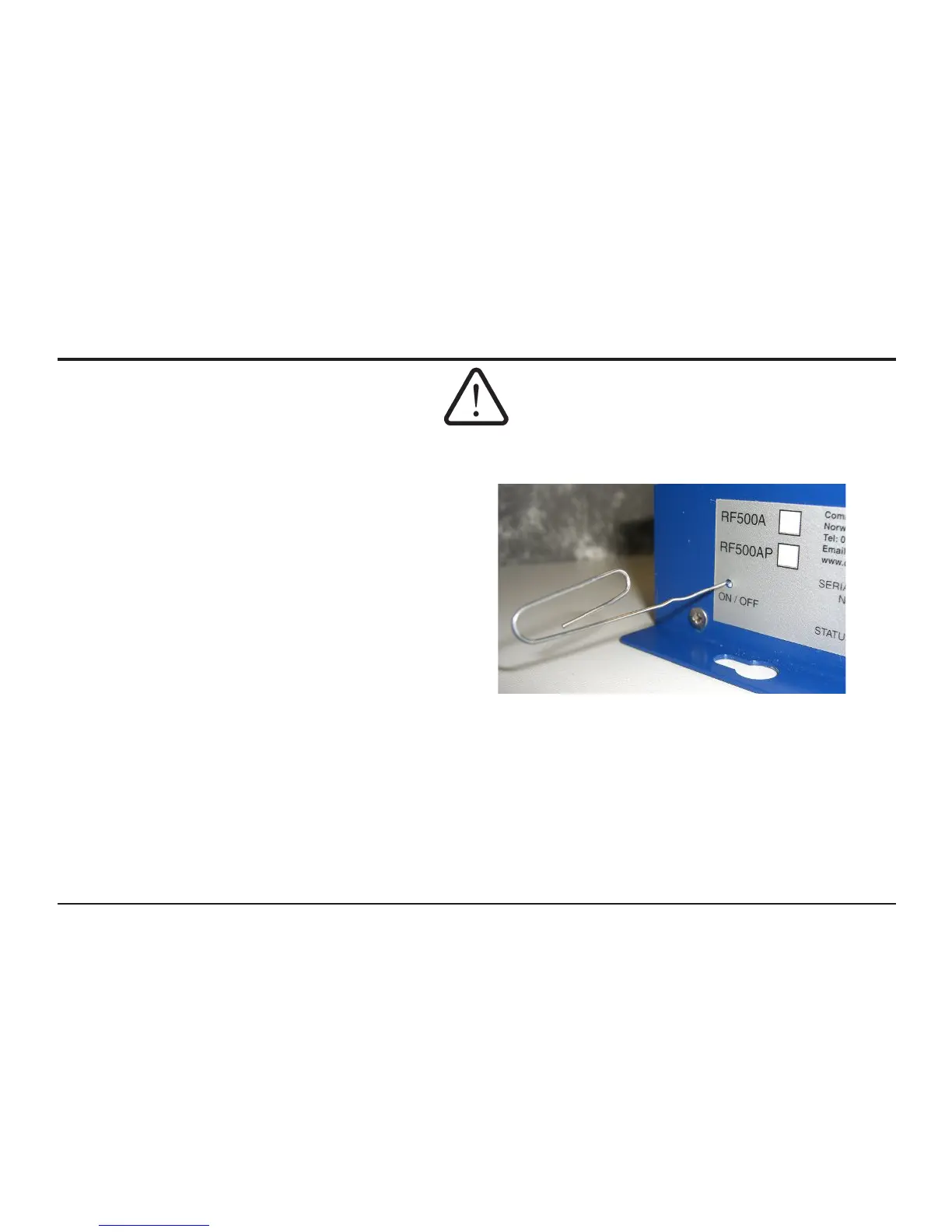
2. Using a paper clip or similar object, press in and
hold the ON / OFF switch on the side of the Gateway
for 4 seconds. The Gateway will beep once and the
blue ON* indicator will ash at a half-second interval.
Gateway bootup will begin. On successful boot, the
ON indicator will show solid blue.
* The ON indicator is shown in “Figure 6 - Front Panel Indicators” {Page 24}
Figure 1 - Switch On using Paper Clip



 To Next Page