14
USB Driver Installation Instructions
When the download is complete; click the run button.
NOTE: Windows will ask if the user wants to allow this program
wto run, select yes.
Conrm you wish to install.
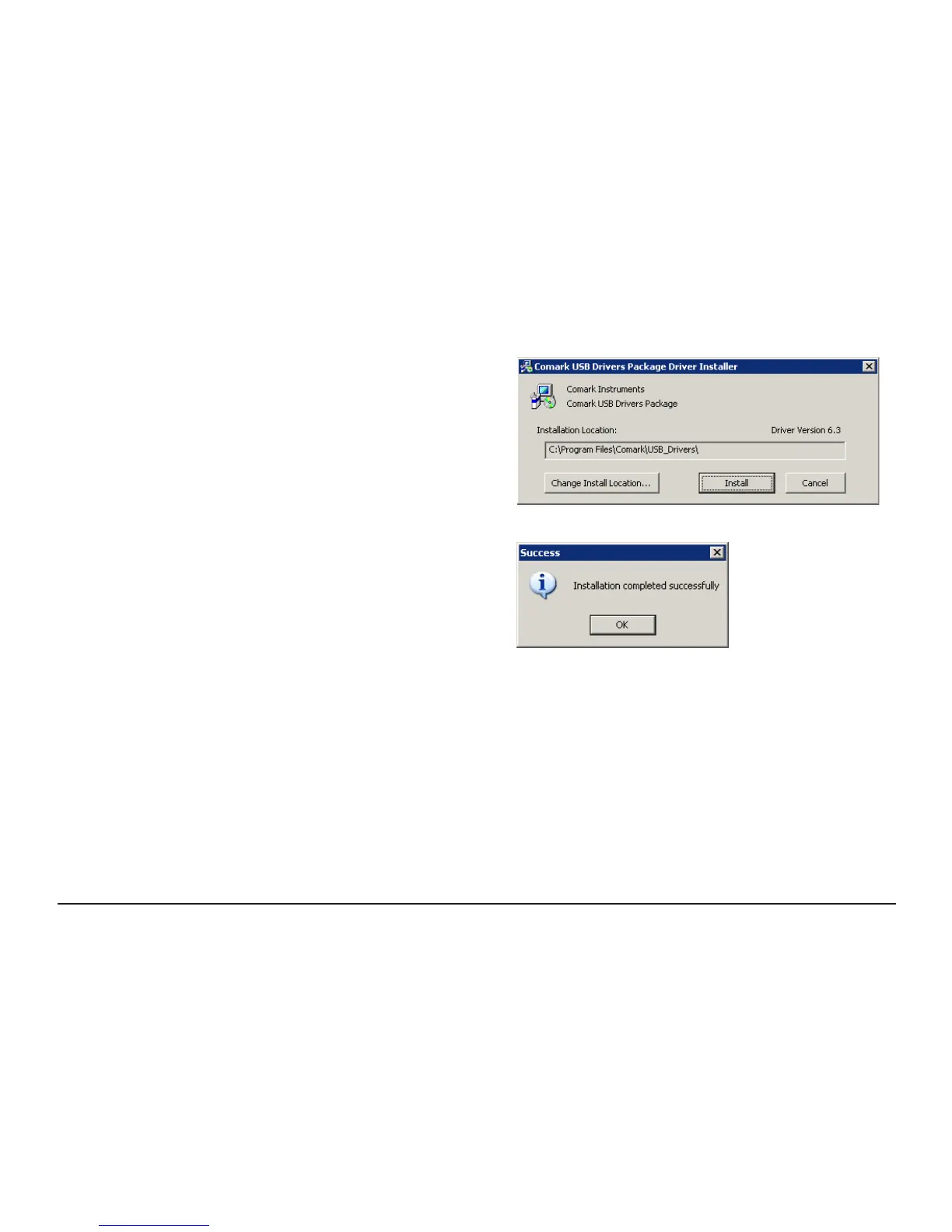
The screen opposite should be displayed - Click Install.
Once installation is complete you will see the screen opposite.
Please note your computer may request a restart after installation completes.



 To Next Page