19
Viewing the Gateway Login Page
Ensure both the computer and Gateway each have an Ethernet cable connection to the LAN or are connected
together via Ethernet cross-over cable.
Recall the IP address that was congured in
“Setting of Gateway IP Address using RF500A-CONFIG” above.
1. Start the Web Browser on the computer.
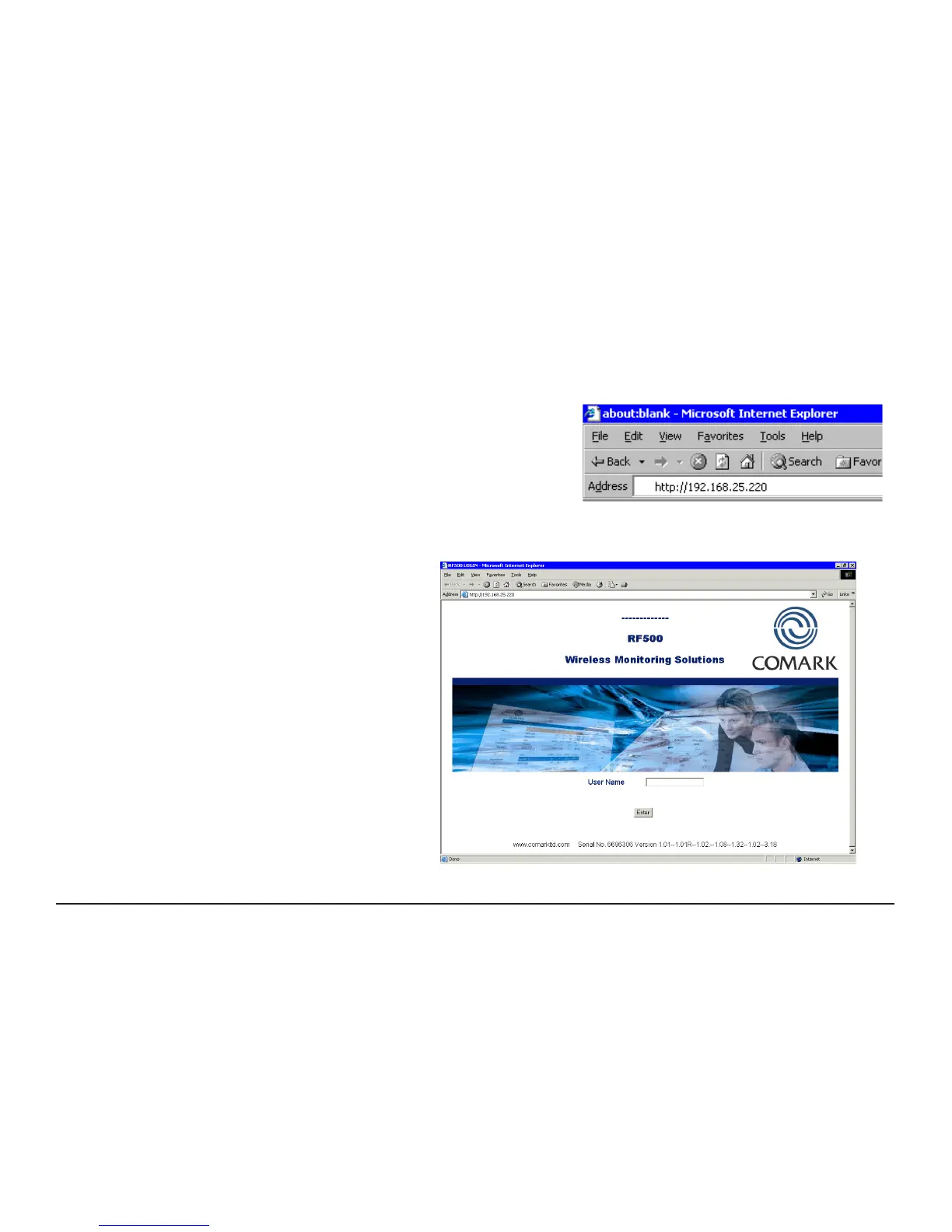
2. Enter the IP address into the Address Bar as displayed opposite.
3. Press “Enter” key or click “Go”.
4. The Gateway login screen as in Figure 5 below will be displayed.
Figure 4 - Browser Address Bar
Figure 5 - Gateway Login Screen



 To Next Page