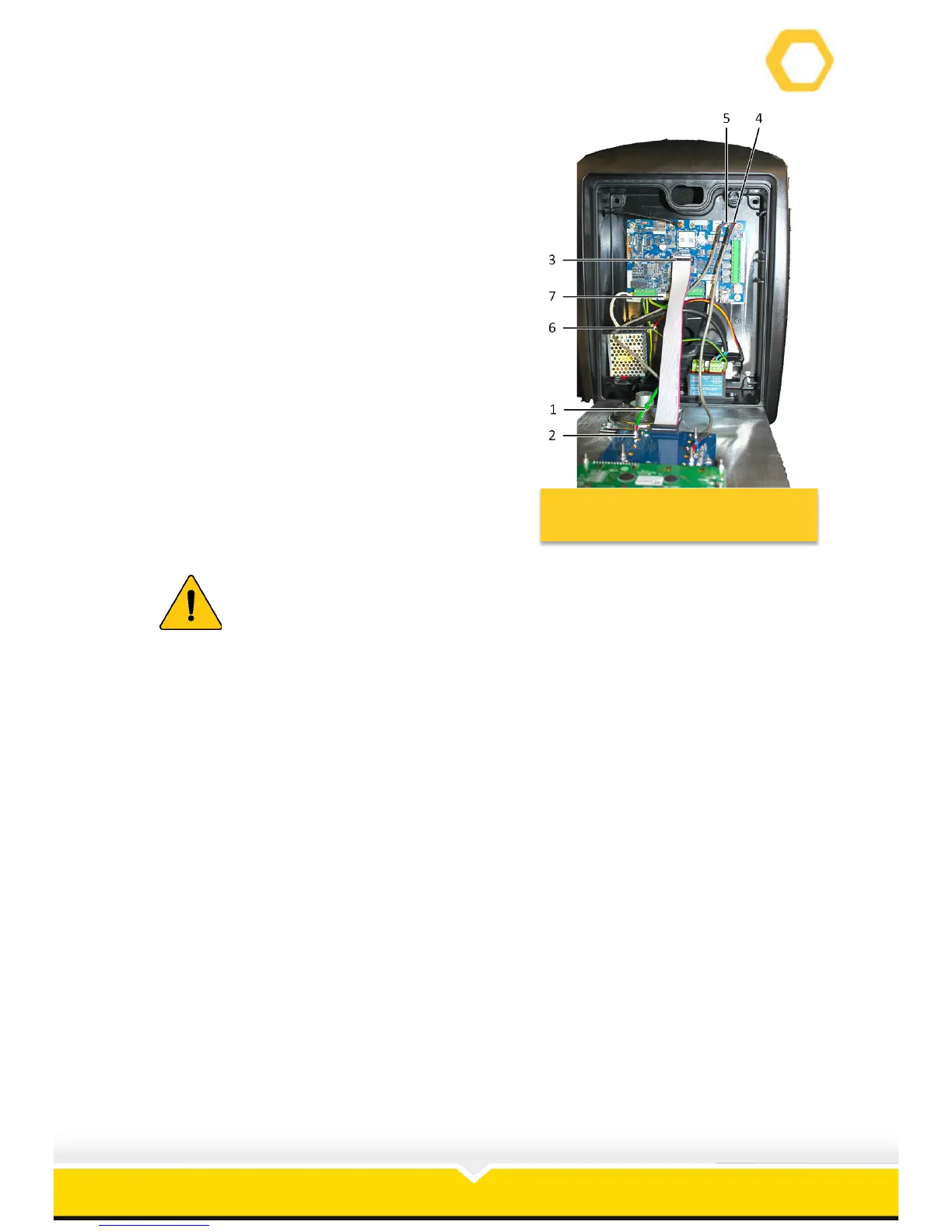
22. Reconnect the earth wire (1) with its nut and
washers (2) (See Figure 12).
23. Reconnect the ribbon cable (3).
24. Reconnect the speaker connector (4) to the
PCB.
25. Reconnect the microphone connector (5) to
the PCB.
26. Connect the battery (6) to the PCB battery
connection (7).
27. Switch on the circuit breaker.
Failing to secure this earth wire may cause serious damage to the unit.
Failing to follow this instruction may nullify the warranty.



 To Next Page