EQUIPMENT MANUAL FOR SP-2110
SP-2110 QE
Copyright - refer to title page
Page 23
ENU Status : 1-3-1
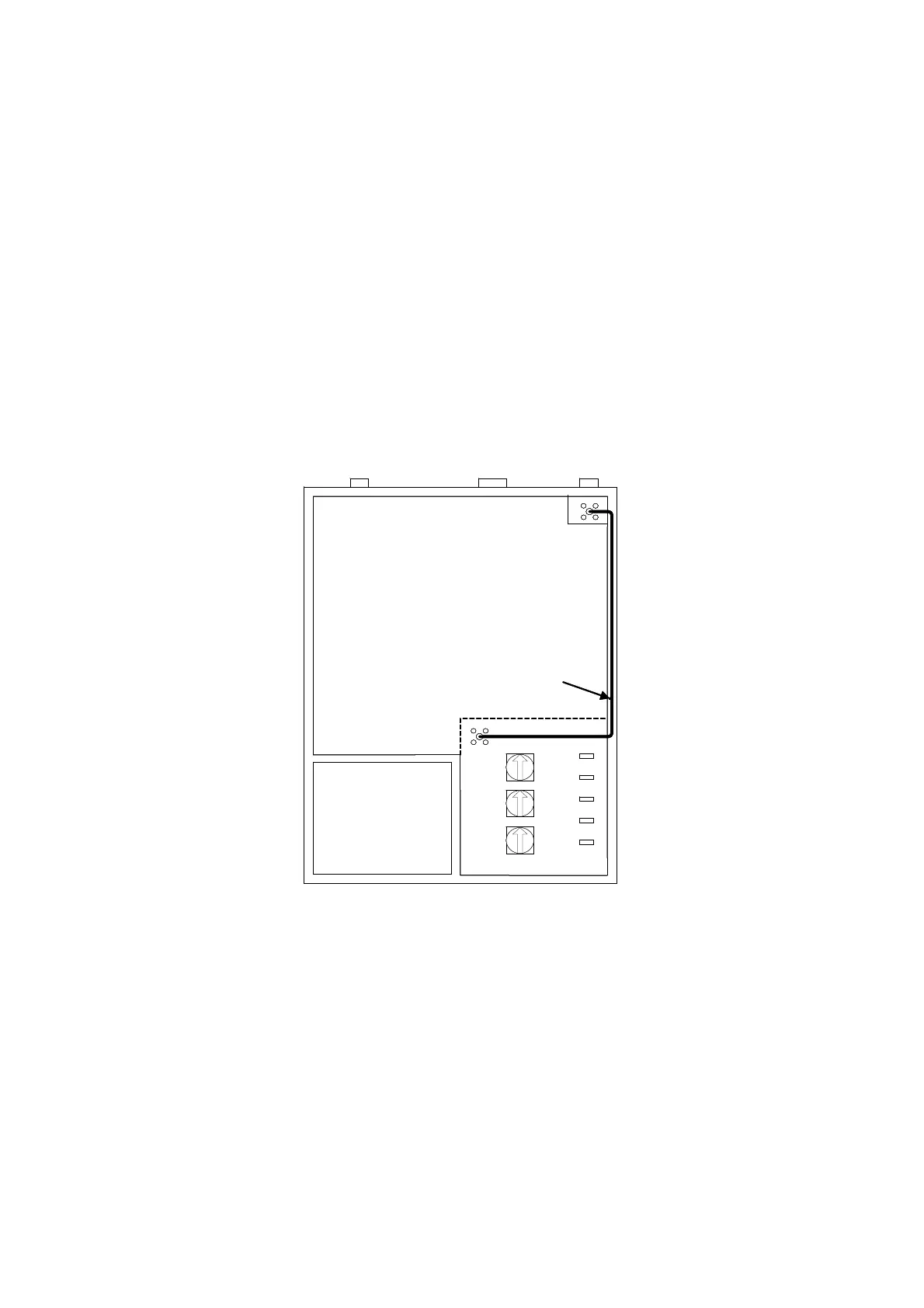
3.3.4 EXTERNAL ANTENNA CONNECTION
The equipment is equipped with an integrated antenna which has already been connected. The
optional external antennas can be used of when larger signal coverage is required. The procedure
to connect external antenna is shown below:
• Remove the front cover by disengaging the latch located at the bottom of the equipment.
• Disconnect the integrated antenna from the “Antenna Port”.
• Identify the jumper cable – this is about 160mm in length and terminated by SMA and SMB
connector.
• Carefully install the jumper cable to bridge “antenna port” with “converting port”, ensure
connections are made securely.
• Position the pig-tail of the integrated antenna so that it does not short circuit any electronics.
• Connect the external antenna with the equipment via the “MT Port” located on the top.
• Re-install the front cover.
内置天线
一体化模块
DC
MT
DT
Integrated Module
Integrated
Antenna
SMA-SMB jumper cable
内置天线
一体化模块
DC
MT
DT
Integrated Module
Integrated
Antenna
SMA-SMB jumper cable
Fig 6: Conversion for External Antenna



 To Next Page