11
Caller ID to the TV
WithXFINITY
®
Voice,TVandInternet,youcangettheconvenienceof
CallerIDonyourTV.
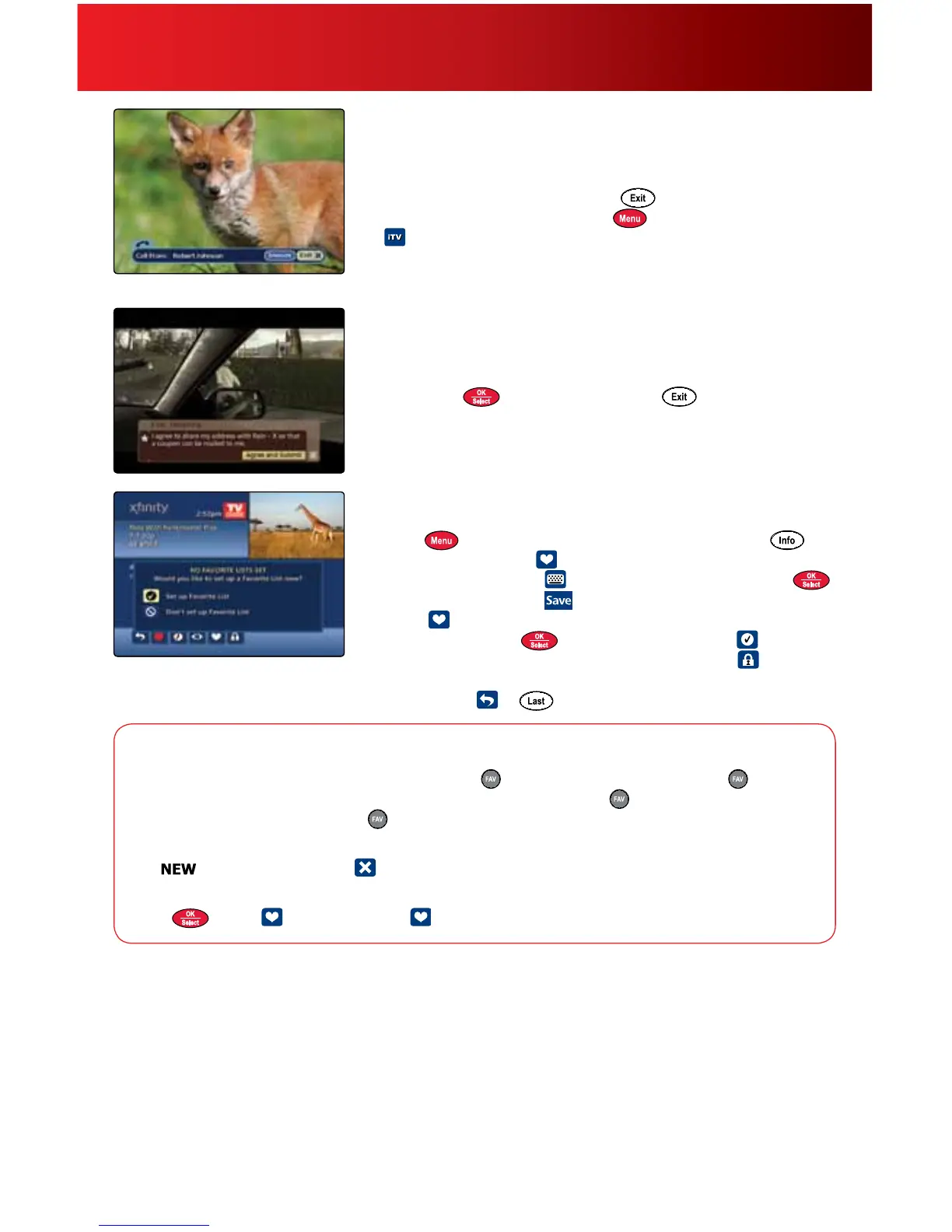
1. AnoticationbannerwilldisplayonyourTVwhenanincomingcallis
received.Toclosethebanner,press
onyourremote.
2. TochangeCallerIDsettings,press
onyourremoteandselect
.Use
tonavigate.
3. Visitcomcast.net/calleridtondoutifyourlevelofserviceand
equipmentqualifytoreceiveCallerIDtotheTV.
Interactive TV
Setreminderstofavoriteshows,learnaboutadvertisers’productsand
services,andshopwithyourremote.
• YourTVwillpromptyouthroughmostfunctions.Simplyuse
tonavigate,
tomakeaselectionand toreturntolive
broadcasting.
• ForShop-by-Remote,tunetotheHSNchanneltogetstarted.
• Formoreinformation,visitcomcast.net/newguide.
Favorites
Createupto5FavoriteListsofchannelsyouwatchmostoften.
1. Press
twiceandselectFavoriteListsSetup.Or,press on
yourremoteandselect
.
2. Tonameyourlist,select
anduse
tonavigate.Press
toselecteachletterand
toaccept.
3. Select
toaddorremovefavoritechannelsandchooseyour
favoritesbypressing
.Saveyourlistbyselecting .
4. Tolockyourlisttopreventothersfromediting,choose
andfollow
theprompts.
5. Toexit,select
or onyourremote.
Using Your On-Screen Guide
Favorites Options
Access Favorite Lists—WhilewatchingTV,press onyourremote.Continuetopress toscroll
throughyourfavoritechannels.FromTVListingsortheMini-Guide,press
anduse
toviewyour
favoritechannels.Continuetopress
toscrollthroughallSavedLists.
Add or Delete Favorite Lists—FromtheMainMenuselectSetup,thenchooseFavoriteListsSetup
and
tocreateanewlistand todelete.
Add or Remove Favorite List Channels—FromFavoriteListsSetup,highlightaFavoriteListand
press
.Select toaddchannelsor againtoremovechannels.
Caller ID to the TV feature is limited to outlets connected to a compatible Digital Set-Top Box or DVR. For restrictions and complete details,
visit comcast.net/callerid. Interactive TV features not available in all areas.



 To Next Page