4
XFINITY TV Quick Start Guide
* Not available in all areas. Certain services are available as part of other levels of service.
Find Shows
Find Shows
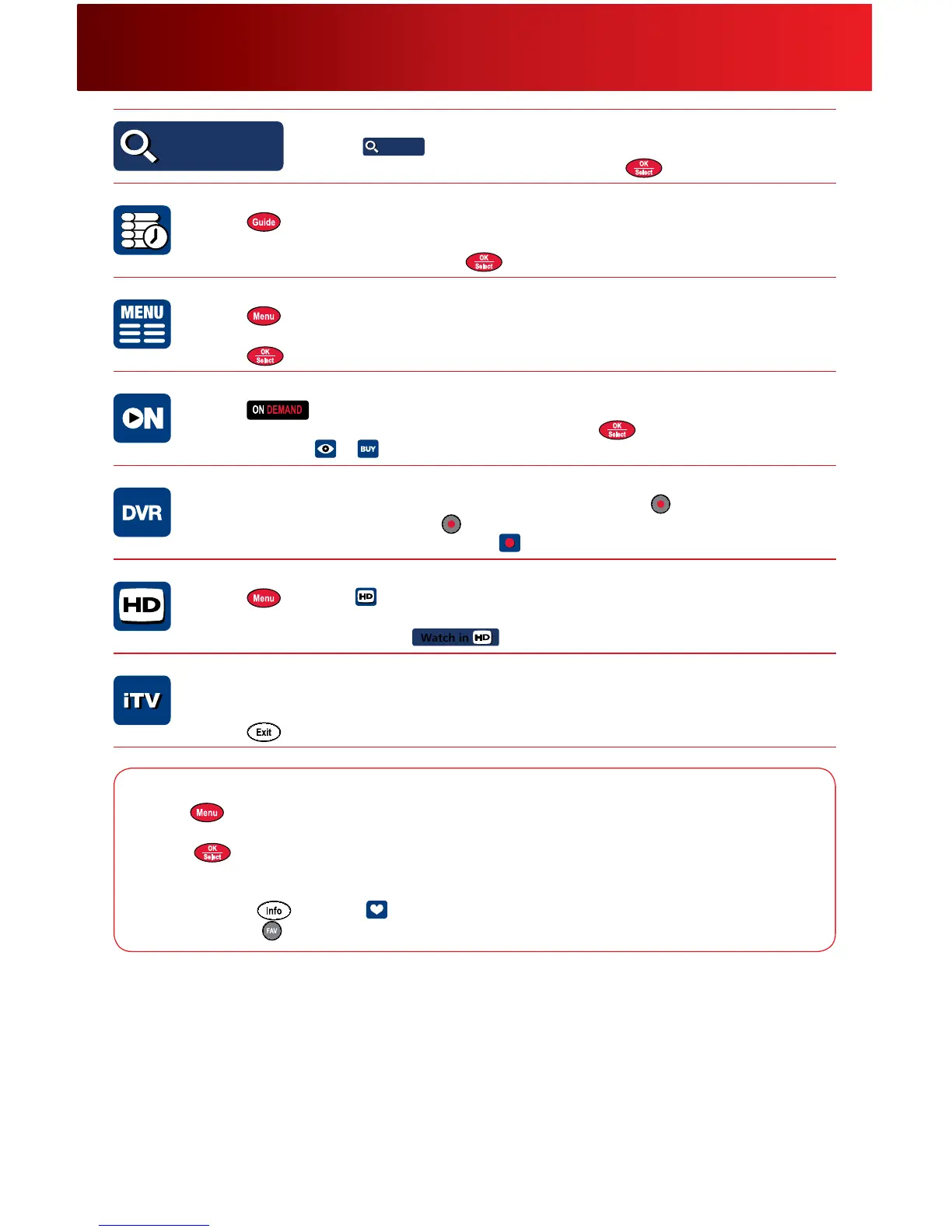
Find Shows — Search TV and On Demand progr ams.
1. Select
Find Shows
Find Shows
fromtheQuickMenu.
2. Use
toselectasearchoptionandpress .
TV Listings — View your local TV Listings.
1. Press toviewTVListings.
2. Use
toviewlistingsinhalf-hourincrements;presstheDay
-
/+buttontojumpaheadorback
24hours.Selectaprogrambypressing
.
Main Menu — Access all your XFINITY features.
1. Press twicetoaccesstheMainMenu.
2. Use
tonavigatethroughtheselections.
3. Press
tomakeyourselection.
XFINITY O n Demand — Your guide to instant entertainment!
1. Press ontheremoteorsimplytunetoChannel1.
2. Use
tohighlightamovieorprogramlistingandpress .
3. Towatch,select
or .
DVR — Available to re cord your favorite sho ws.
1. WhileviewingTVListings,highlighttheprogramtorecordandpress onyourremote.Or,
whilewatchingliveTV,simplypress
.
2. FromtheProgramInformationscreen,select
toviewallrecordingoptions.
High D efinition* — Lots of HD cho ices.
1. Press andselect .
2. SelecttoviewHDprogramsbyguide,time,channelorselectSearchHD.
3. Whilechangingchannels,select
Watch in
directlyfromtheFlipBar.
iTV* — Go beyond just w atching TV with Interactive Television.
1. Watchforon-screenpromptsaboutincomingcalls,programsorproductsanduse
to
navigate.
2. Press
orselect“X”toreturntoliveTV.
Paren tal Contro ls — Block channels, titles or ratings.
1. Press twicetoaccessParentalControl.
2. CreateaLocksPersonalIdenticationNumber(LocksPIN).
3. Select
tolockbyMovieRating,TVRating,TVContentorChannel.
Favorites — Save the channels you watch most often.
1. Tosetup,press andselect .
2.Toaccess,press
onyourremotewhilewatchingTVorviewingTVListings.



 To Next Page