12
DVR R ecordings
Recordyourfavoriteshowsandwatchthemwheneveryouwant.For
moreDVRfeatures,visitcomcast.net/newguide.
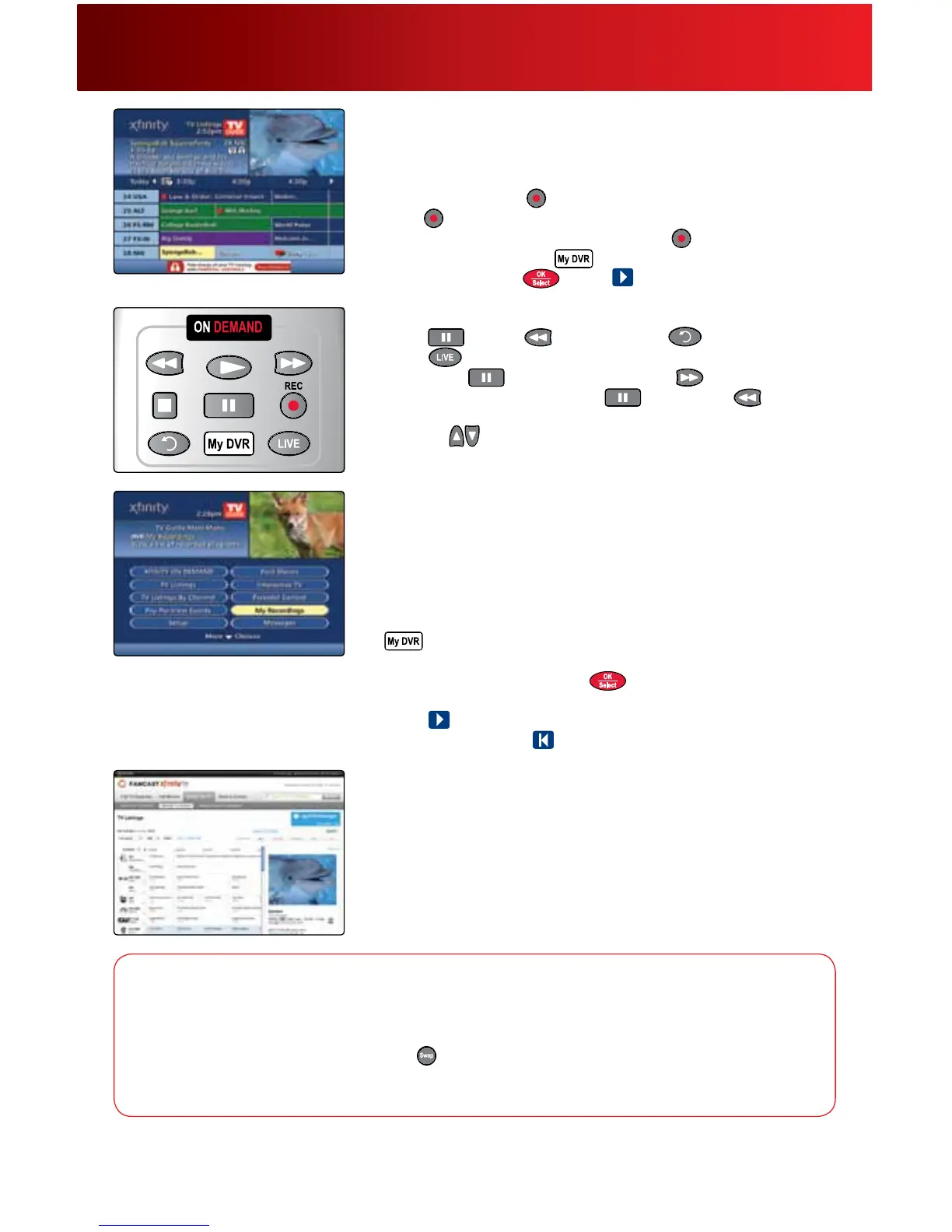
• WhileviewingTVListings,highlighttheprogramyouwishtorecord
andpresstheRecord
buttononyourremote;torecordaseries,
press
twice.
• WhilewatchingliveTV,simplypressRecord
.
• Toplayarecording,press
andselectMyRecordings.Highlight
aprogramandpress
.Select tobegin.
Controlling DVR
• Pause ,Rewind orInstantReplay onyourremote.
Select
toreturntoliveTV.
• PressPause
,thenpressFast-Forward toviewslow-motion
inforwardmode.Or,pressPause
,thenRewind toview
slow-motioninreversemode.
• Pressthe
buttonsonyourremotetoskipforwardorskipbackin
5-minuteintervals.
An yRoo m® DVR
AnyRoomDVRallowsyoutowatchyourrecordedshowsinone
roomandresumewatchinginanother.AprimaryDVRcontrolsall
theDVRfunctionsandislinkedtonetworkedDigitalSet-TopBoxes
thatallowyoutowatchyourrecordings.Formoreinformation,visit
comcast.com/anyroomdvrorcall1-800-XFINITY.
1. ToaccessrecordingsonanetworkedDigitalSet-TopBox,press
andalistofrecordedprogramsisdisplayed.
2. Viewthelistofrecordingsbydateorbytitlebypressing
.
3. Highlightarecordingandpress
toplay,orviewoptionsfromthe
informationscreen.
4. Select
toresumefromthepauseorresumepointofaprogram
previouslywatched,or
towatchfromthebeginning.
DVR Manager
ScheduleyourDVRrecordingsfromanycomputerwithanInternet
connection.
1. Togetstarted,gotoxnity.com/mydvr.DVRManagerisnot
compatiblewithretailDVRdevices,suchasTiVo
®
.
2. Onceactivationiscomplete,gotoxnity.com/tvandselectTV
Listingstondprogramsandschedulerecordings.
Using Your On-Screen Guide
DVR service requires an XFINITY TV subscription and DVR Set-Top Box. Monthly DVR service fee applies. An XFINITY TV subscription with DVR
service is required for DVR Manager. DVR Manager is not compatible with retail DVR devices, such as TiVo
®
. DVR features not available in all
areas. Call 1-800-XFINITY for details.
DVR Options
Search for Programs —ByselectingSearch&Record,youcanSearchbyTitle,SearchbyActor/
DirectororSearchbyKeywordtoquicklyndandrecordwhatyou’relookingfor.
Swap Between Two Programs—Press
toswitchbetweentwoprograms.Rewindwhatyouhave
missedorfast-forwardfromwhereyouhavepaused.Ifyouswitchbetweenthetwoprogramswithout
usingtheSwapbutton,youwilllosethebuffer.



 To Next Page